I need an AI headshot generator app for my iPhone that can create professional-looking profile photos for LinkedIn and job applications. I tried a couple of random apps from the App Store but the results looked fake or low quality. What are the best AI headshot apps you’ve actually used that give realistic, high-res images and are worth paying for?
Best AI headshot generators I tried so you do not burn money on junk
I hit that point where my LinkedIn photo looked like it still remembered 2020. I did not want to pay a studio a few hundred bucks, so I went down the AI headshot rabbit hole and tested a stupid amount of stuff over a few evenings.
I tried:
- Web services
- iOS apps
- Android apps
- And a DIY route with ChatGPT and Gemini
Keeping all links from my notes below so you can jump around if you want.
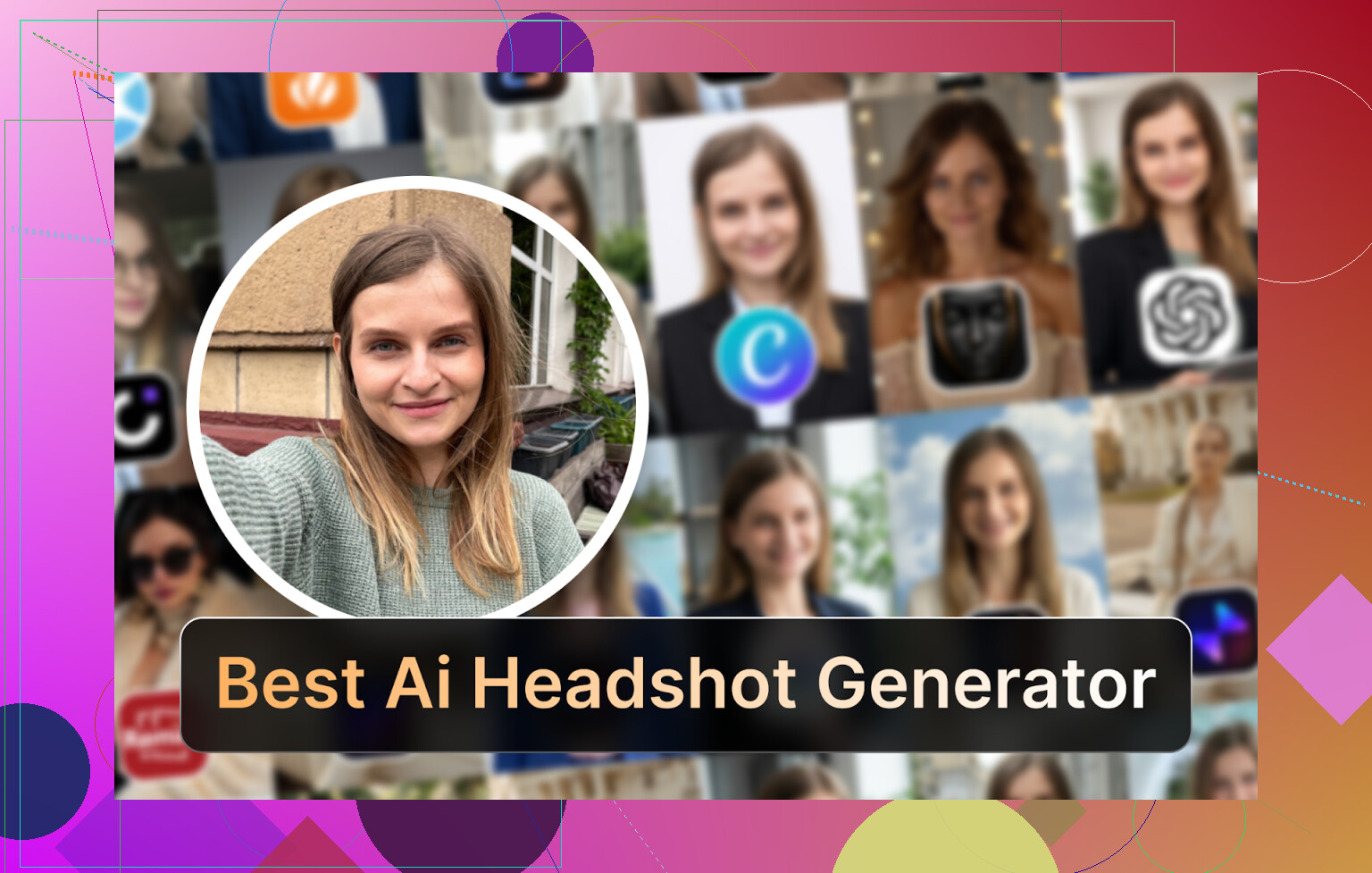
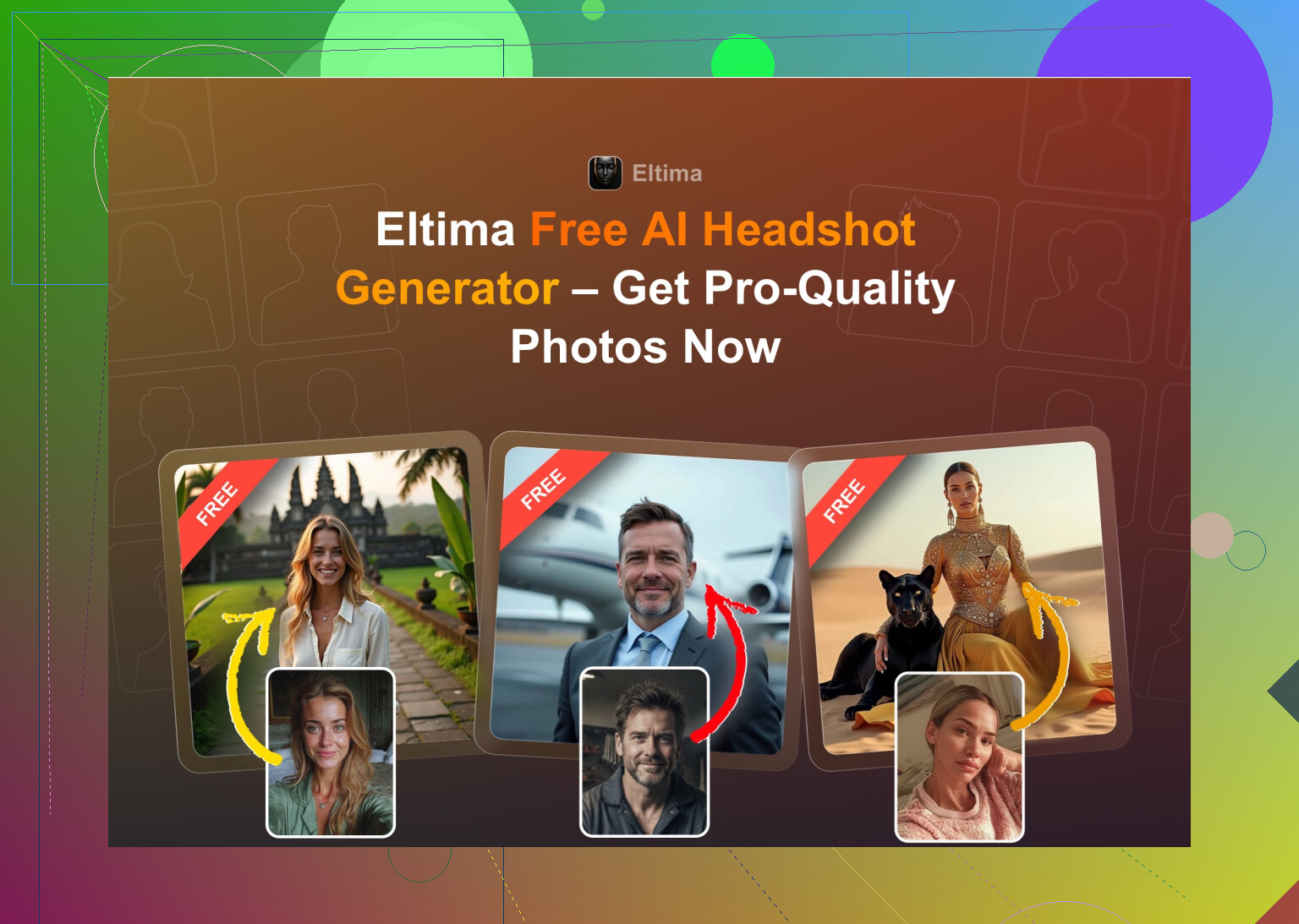
Eltima AI Headshot Generator (iOS)
My main pick if you have an iPhone
App Store:
Product page:
Reddit thread I bumped into about it:
https://www.reddit.com/r/DataRecoveryHelp/comments/1qi12pn/best_ai_headshot_generator/
Short demo video:

What hooked me first was that a bunch of random Reddit and Quora people kept mentioning it for realism, not some PR copy.
What it does in practice:
- One selfie is enough to start, it does not force you to upload your whole camera roll
- It gives you one free generation per day
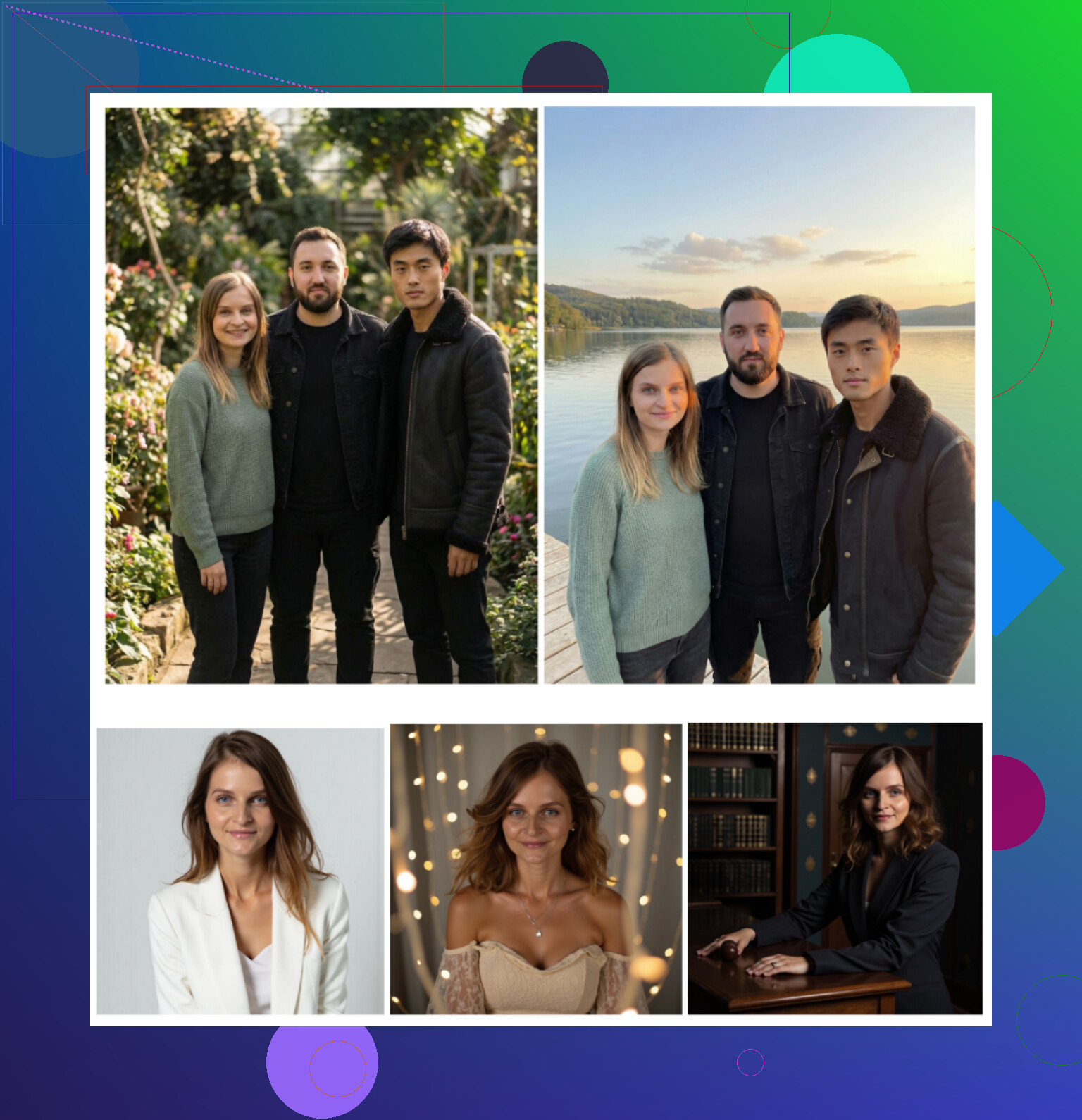
- Handles solo portraits, plus up to 3 people in the same shot for group photos
- Has a video-from-photo feature
- Has a silly amount of templates, their page says 800+, and it feels like it
How it performed for me:
-
Photo realism
This one made images that looked like me on a good day, not some smoothed plastic wax thing. Skin texture stayed skin. Eyes did not turn into anime orbs. There is a beauty mode toggle, but it did not destroy the face structure. -
Style range
I pulled everything from standard LinkedIn blazer shots to more casual outdoor photos and a few themed looks. It felt like I always had a version I would not be ashamed to use in a real profile. -
Speed
Output came in fast enough that I did not drift off to TikTok in between. Under a minute for most. -
Pricing
- Sub: 7.99 per week or 49.99 per year
- Daily free generation if you want to nibble at it and stockpile slow
My personal verdict
This is the only iOS headshot app I kept installed. It remembers my face decently across different outfits and backdrops, and the free daily generation lets you test angles and styles before paying anything. If you own an iPhone and want something low friction, I would start here.
Big web services I tried
I searched for “AI headshot generator” on Google and picked the usual suspects that kept showing up: Canva, Aragon AI, HeadshotPro.
Canva
https://www.canva.com/
I already use Canva for thumbnails and one-pagers, so this felt familiar.
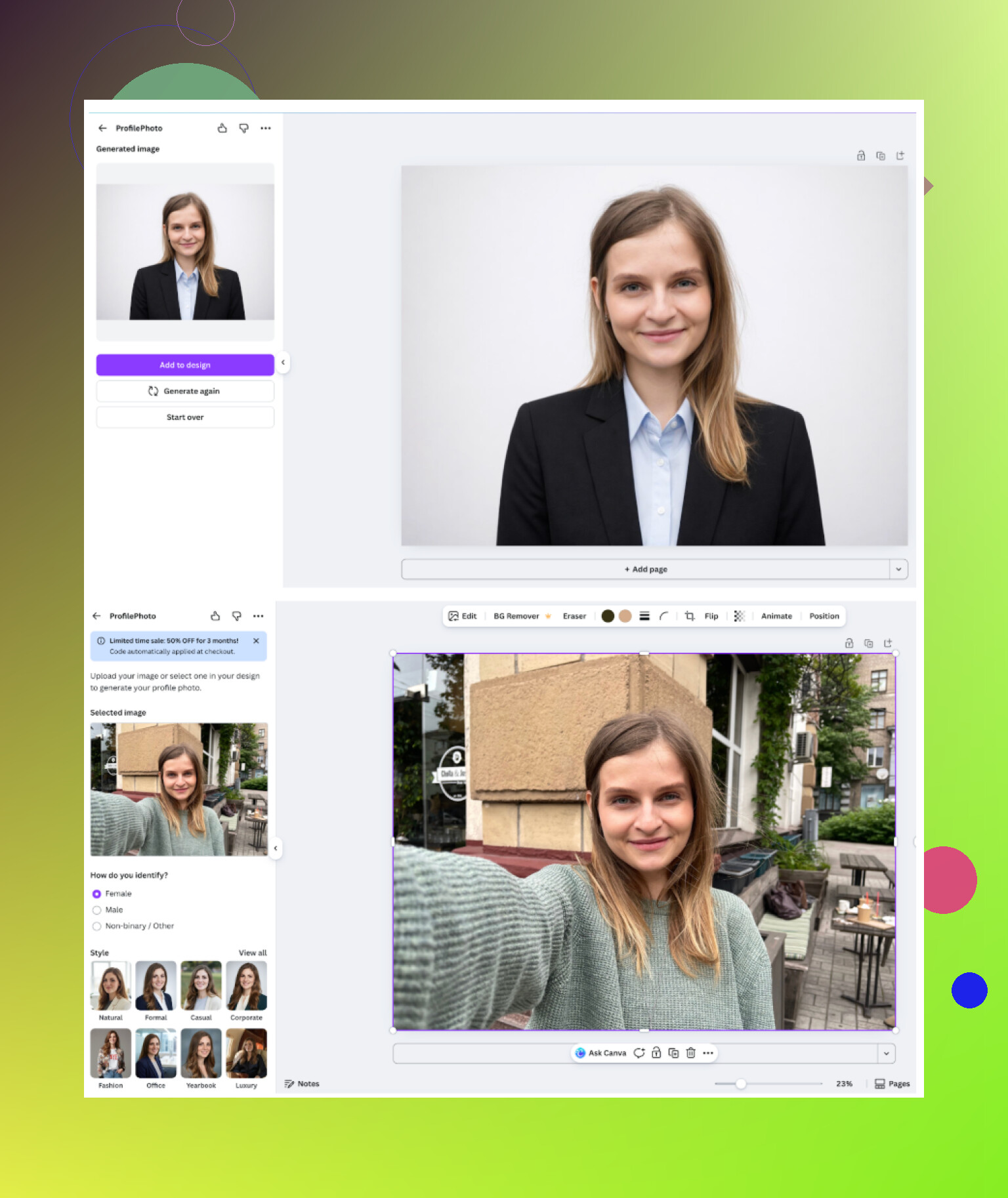
How it works:
- Upload a photo
- Pick a headshot style/layout from a sidebar
- Wait a bit and tweak if needed
Results I got:
- For standard corporate shots, it did a decent job
- Skin sometimes looked too flawless, like a blur filter went a bit overboard
- It tried to keep my features, but I had a couple of “almost me but not quite” results
Pros:
- You get a batch of free presets and generation options
- Built into a big editor, so you can resize, add text, adjust background, etc, all in one place
Cons:
- Pricing for pro-tier features is on the higher end
Roughly 120+ per year, depends on region and promos - Over-smoothing on skin in some outputs
If you already pay for Canva Pro for work, it is a nice add-on. I would not buy it only for headshots though.
Aragon AI
This one shows up constantly in Reddit comments.
Onboarding:
- It greeted me with a long questionnaire about my role, gender, purpose, etc
- Then it wanted several reference photos before letting me do anything
- No free run, straight into paywall territory
My experience:
- I had to upload at least 6 photos to get going
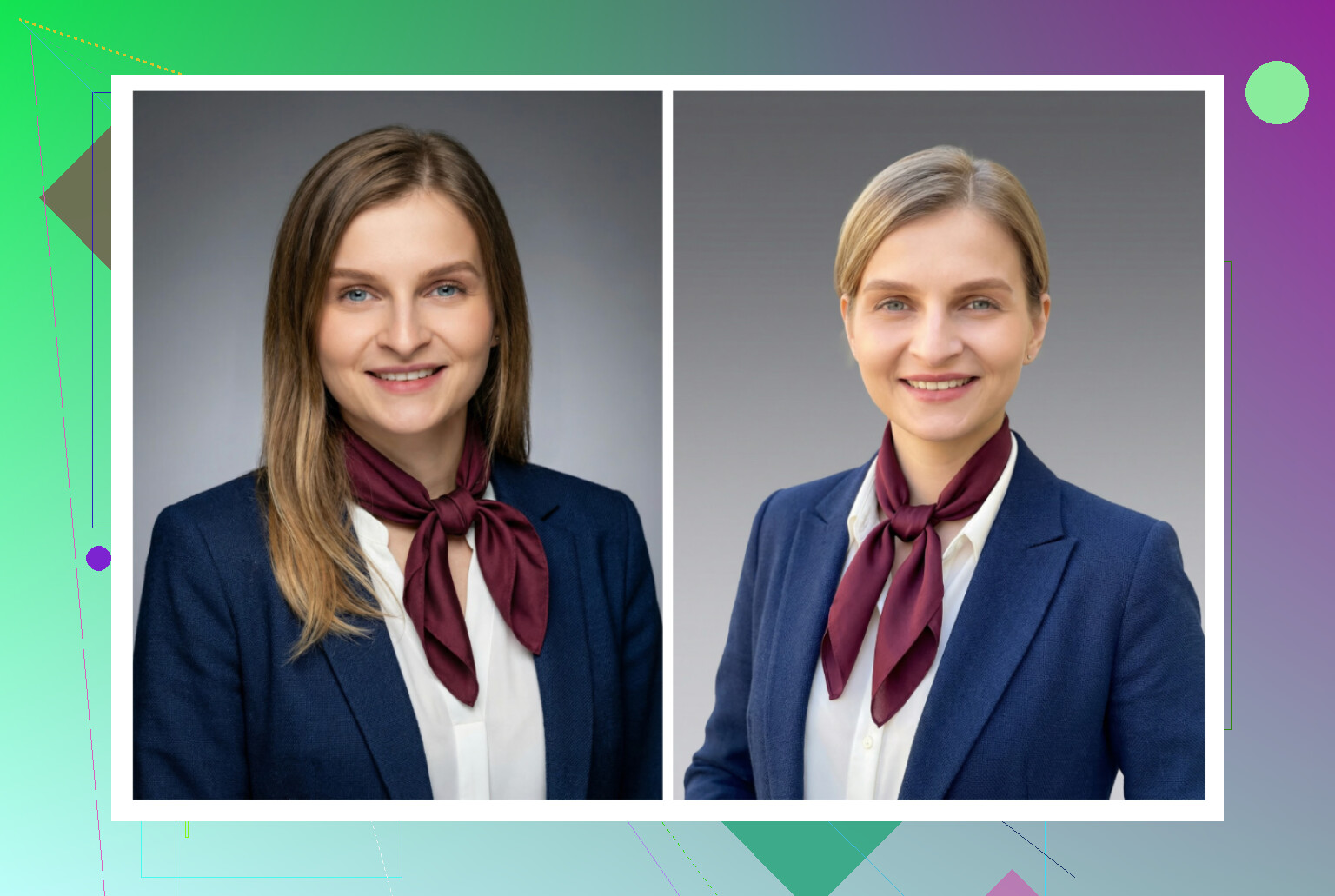
- The results did look like me more than most other web tools
- The style leaned toward professional and clean, not influencer selfie
Pros:
- Strong likeness retention compared with others
- Feels tuned for “this must pass a recruiter glance” rather than content posts
Cons:
- No quick test without payment
- Needs a decent photo set, so you have to dig for old shots
- Pricing for new users lands somewhere around 12 to 25 per pack, depending on promo
If you want one solid set of corporate shots and do not care about ongoing editing, Aragon does the job, but it is not casual-use friendly.
<img alt=‘Part 4: The ‘Free’ Way (ChatGPT, Gemini, & Hustle)’ src=‘https://community.downloadroute.com/uploads/default/original/image-1768927280.png’ height=‘537’ width=‘381’>
HeadshotPro
Positioning is very clear: office people, ID badges, corporate teams.
Vibe:
- The homepage screams “HR-safe”
- Data handling and privacy are highlighted
- Target audience feels like companies buying packages for employees
What I saw in outputs:
- Uniform lighting, neutral backgrounds, minimal drama
- If you work in finance, law, consulting or similar, this looks on target
- Very little “fun” styling, mainly classic headshots
Pros:
- Consistent across images
- Easy to hand over to a company that wants uniform staff photos
Cons:
- If you want personality or artsy looks, this is not the place
- Style catalog felt narrow to me, compared with Eltima or Canva
Price was around 29+ depending on plans and bundles.
iOS headshot apps I tested
List I went through on iPhone:
- Remini
- Fotorama
- Collart
- IRMO
- Eltima
Criteria I tracked for each:
- Ease of use
- How much the output still looked like my face
- Style range
- Price and anything free
- Speed
Remini
App Store:
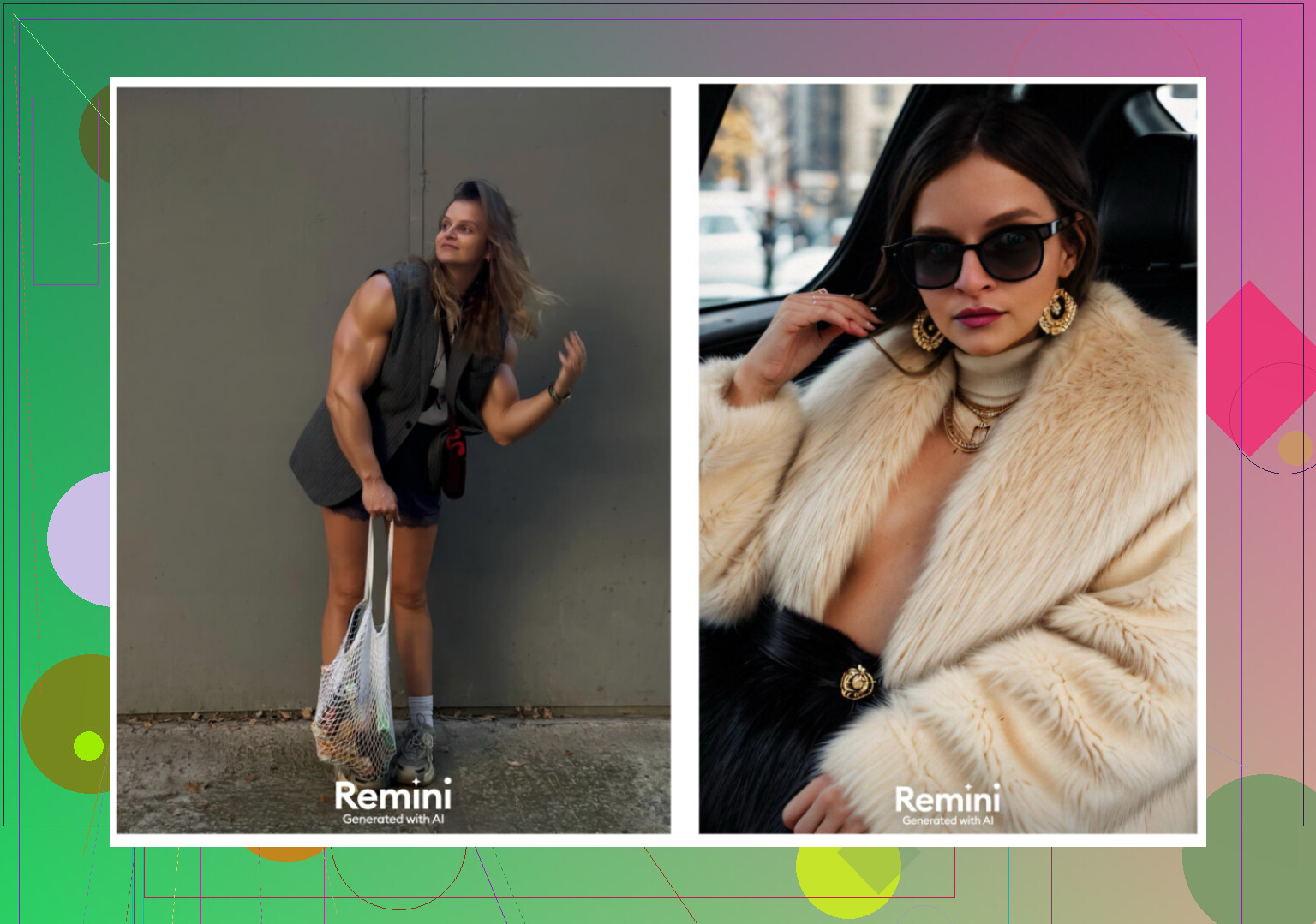
I had used Remini before, but mostly as a photo fixer, not for headshots.
What I noticed:
- The UI is simple, big buttons, easy navigation
- It offers both enhancement and AI portrait / avatar stuff
- There is a video-from-photo feature that tries to animate the face
My tests:
- The short video from a still photo went off the rails
One output gave me a weird scene where the model was lifting a child from under the stairs. No idea why the model did that with my face. - The videos looked artificial, expression transitions were stiff
- Photos for LinkedIn style shots swung between good and uncanny
Pros:
- Easy to use
- Lots of filters and stylistic presets
Cons:
- Heavy filtering, faces turn a bit plastic
- Clothes and body sometimes look warped
- Generation of video took about 13 minutes on my end
- Pricing: 9.99 per week or 79.99 per year, plus a free trial week
I would use it for social media effects or to fix old family pics. I would not use it as my main “this is my professional headshot” app.
Fotorama AI Photo Generator
App Store:
Interface:
- Buttons and flow are understandable
- Easy to pick a style and upload a portrait
But:
- First generation took about 30 minutes analyzing photos
- I got impatient, closed the app, and the in-app coins were gone, no final image
- Tried again later, waited, still long generation times
Pros:
- Many styles, including high-fashion type looks and character-inspired themes
Cons:
- Coin system felt punishing
- Long generation delay makes experimentation annoying
- 11.99 per week or 79.99 per year for subs, which is not cheap
I ended up uninstalling. Spending half an hour watching a spinner for something that might fail is not worth it.
Collart AI Photo Generator
App Store:
Basic use:
- Interface is simple enough
- It supports basic animation of photos too
Main problem:
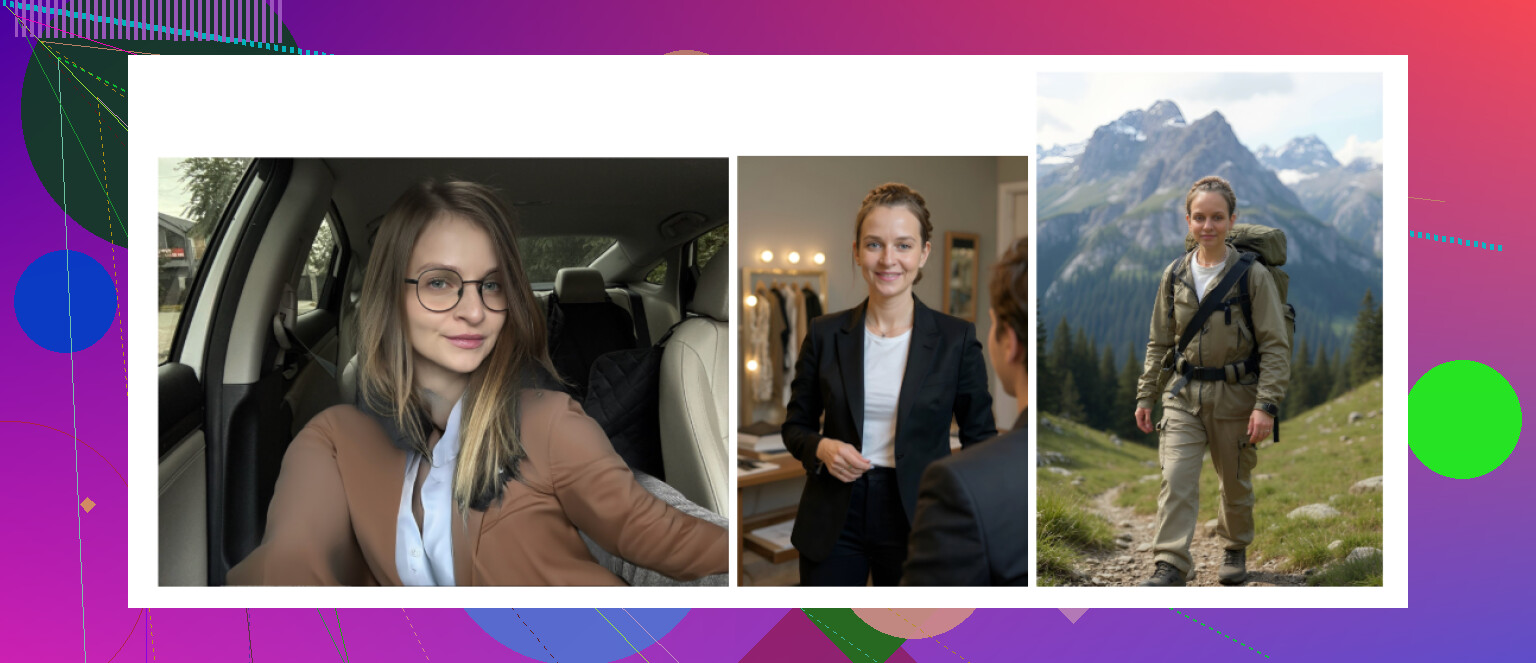
- It only takes one reference photo for the portrait generation
- The result looked like a random person with similar hair, not me
- On top of that, the poses and expressions came out pretty awkward
Pros:
- Plenty of different style options
- Fast generation
Cons:
- In my runs, likeness was poor
- Ended up with a lot of “cringe” images that I would not share
Price:
- 3.99 per week or 59.99 per year
Feels more like a toy to joke around with between friends than a serious headshot tool.
IRMO AI Photo & Video Generator
App Store:
How it behaved:
- Clean interface, easy enough to find options
- It can generate both static photos and short videos
- Output time per image landed between 2 and 6 minutes
Key limitation:
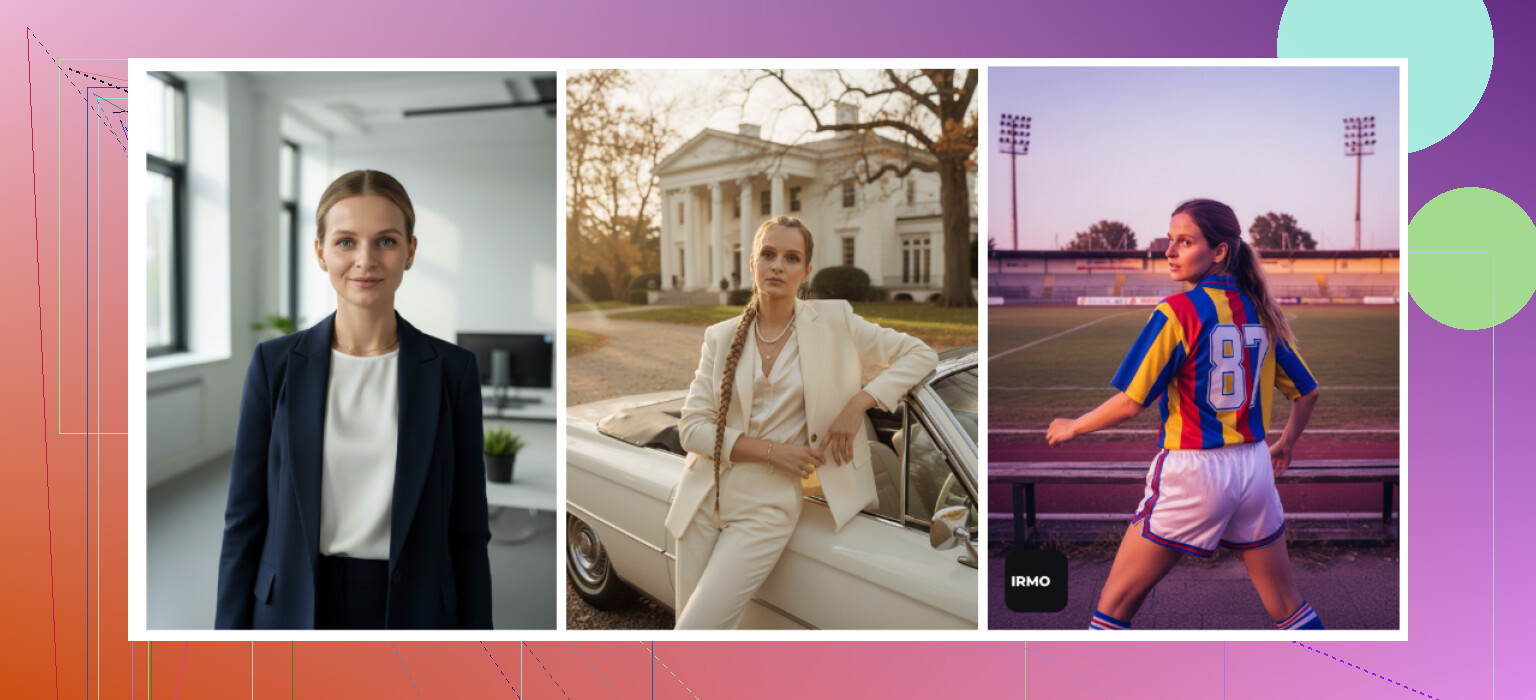
- You only get to upload one reference photo for the AI model
- That makes it hard for it to keep your face consistent in different poses
Pros:
- Big library of styles and themes
- Performance was stable, no crashes for me
Cons:
- Likeness was off in a subtle way most of the time
- Felt more like “inspired by me” than “this is me”
Pricing:
- 5.99 per week or 99.99 per year
If you like to toy with different themes for fun content, IRMO has some cool options. For a serious LinkedIn headshot, it falls short.
Android apps I tried
My bar was: not scammy, not stuffed with aggressive ads, and at least one usable headshot at the end.
- Remini on Android
Google Play:
https://play.google.com/store/apps/details?id=com.bigwinepot.nwdn.international&pcampaignid=web_share
Same story as the iOS version largely.
Pros:
- Silly easy. Upload selfies and it goes
- Good if you want glammed-up avatars for Instagram or dating apps
Cons:
- It tends to beautify faces aggressively even on professional presets
- I kept getting sharper jawline, smoothed skin, heavier makeup vibe
- For serious job profiles it feels risky if someone sees you in person and notices the gap
- GIO: AI Headshot Generator
Google Play:
https://play.google.com/store/apps/details?id=com.prequelapp.aistudio&pcampaignid=web_share
Also exists on iOS, but I only spent time on the Android version to avoid repeating stuff.
Pros:
- Less artificial than Remini in some results
- Clothing swap is one of its stronger sides, it can put a suit on your selfie in a believable way
Cons:
- Output quality bounced all over the place
- Quite a few results went straight to the trash folder
- Sometimes hands, shoulders, or collars looked off
Summary from my notes:
- Good backup if Remini over-edits you
- Still not something I would trust blind for a single, critical headshot
- Momo
Google Play:
https://play.google.com/store/apps/details?id=com.scaleup.dreame&pcampaignid=web_share
This one surprised me a bit.
Pros:
- Output looked a bit more grounded than GIO on average
- I managed to get a few headshots I would not mind using in presentations
Cons:
- Pricing felt higher than alternatives like Remini
- Some packs rely on coins, and you burn through them fast
- When I compared results side by side with the better apps, it did not quite reach the same level of realism, so the price hurt
My verdict line from my test doc:
- “Not bad, better than GIO, but I still prefer Remini visuals, and Momo costs more.”

DIY “free” method using ChatGPT and Gemini
This is not really free if you pay for ChatGPT Plus or Gemini Advanced, but you avoid buying separate headshot apps.
I used:
- ChatGPT with DALL·E
https://chatgpt.com/ - Gemini image generation
Gemini AI Nano Banana Pro: KI-Bildgenerierung und Bildbearbeitung von Google
Simple workflow I ended up with
Step 1
Find a reference portrait online that matches the style you want. Something like “mid-shot, neutral background, soft light, professional look”.
Step 2
Upload that reference photo to ChatGPT or Gemini and ask it to describe the image in detail. Things like pose, lighting, clothing, expression.
Step 3
Copy that description into a fresh chat and clean it up. Remove anything about the original person and keep only generic elements.
Step 4
Upload your own selfie into that new chat.
Step 5
Ask the model to generate a headshot of you in the same setting as the description. Use DALL·E in ChatGPT or Nano Banana / other high-detail mode in Gemini, depending on what is available.
Results I saw
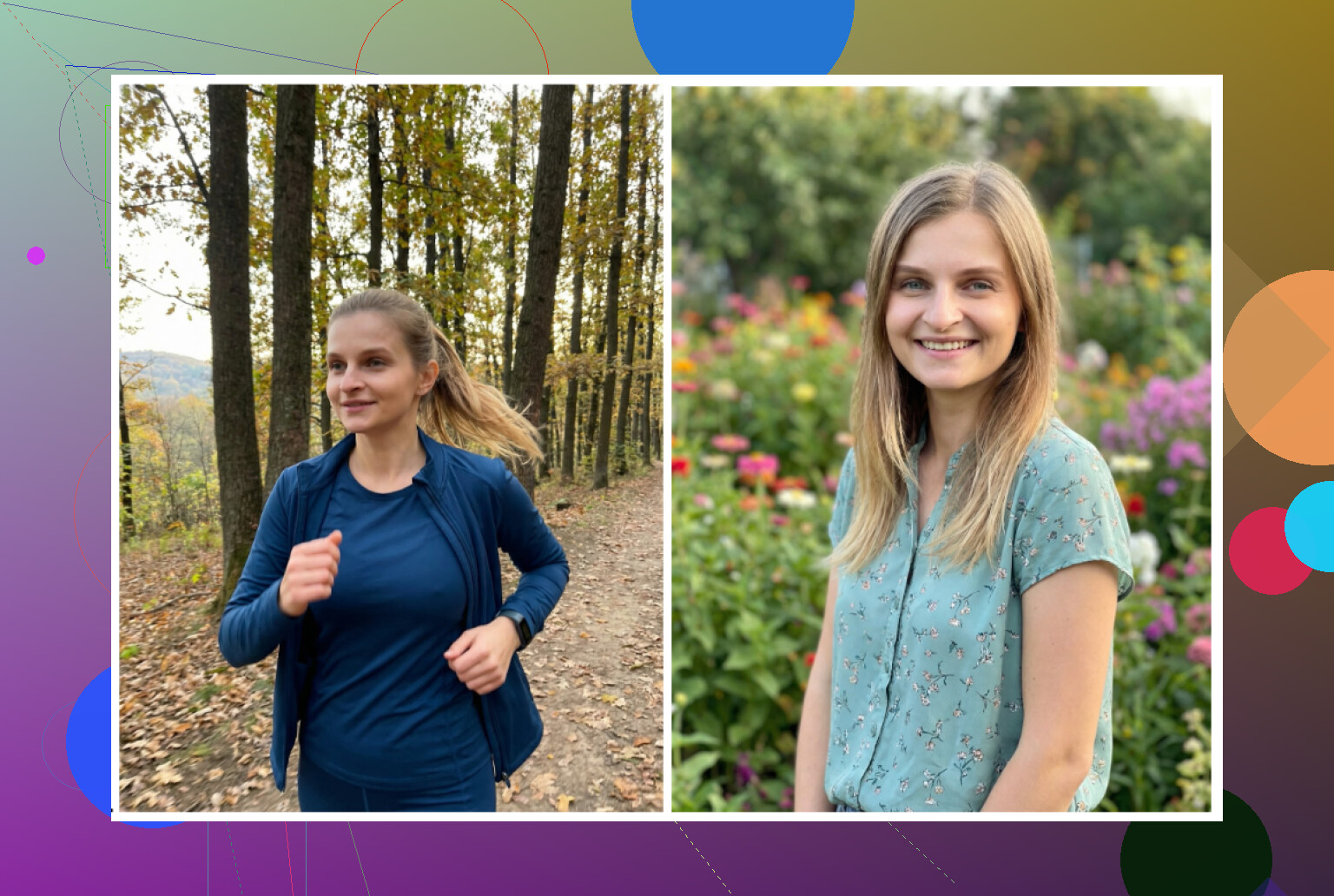
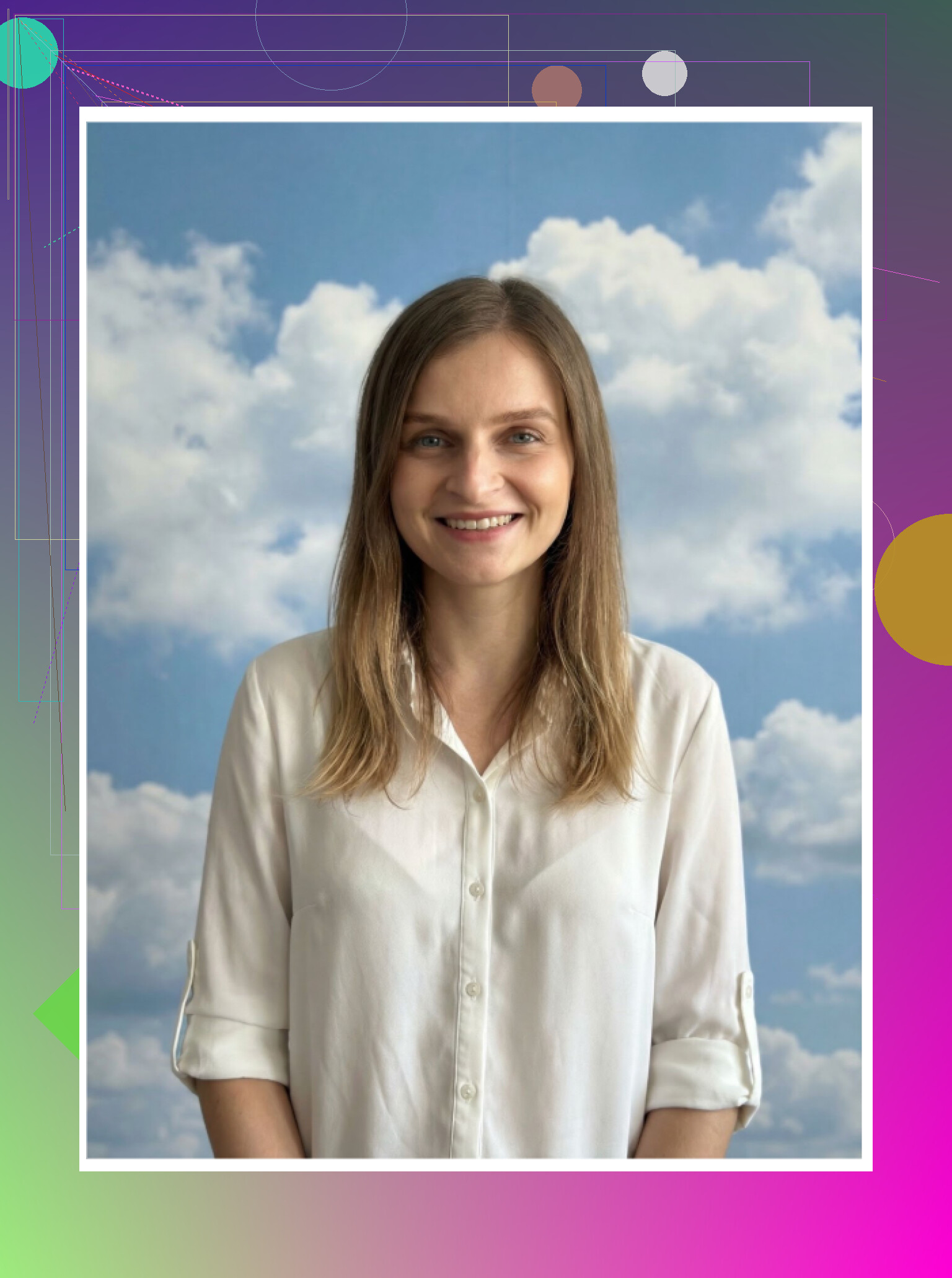
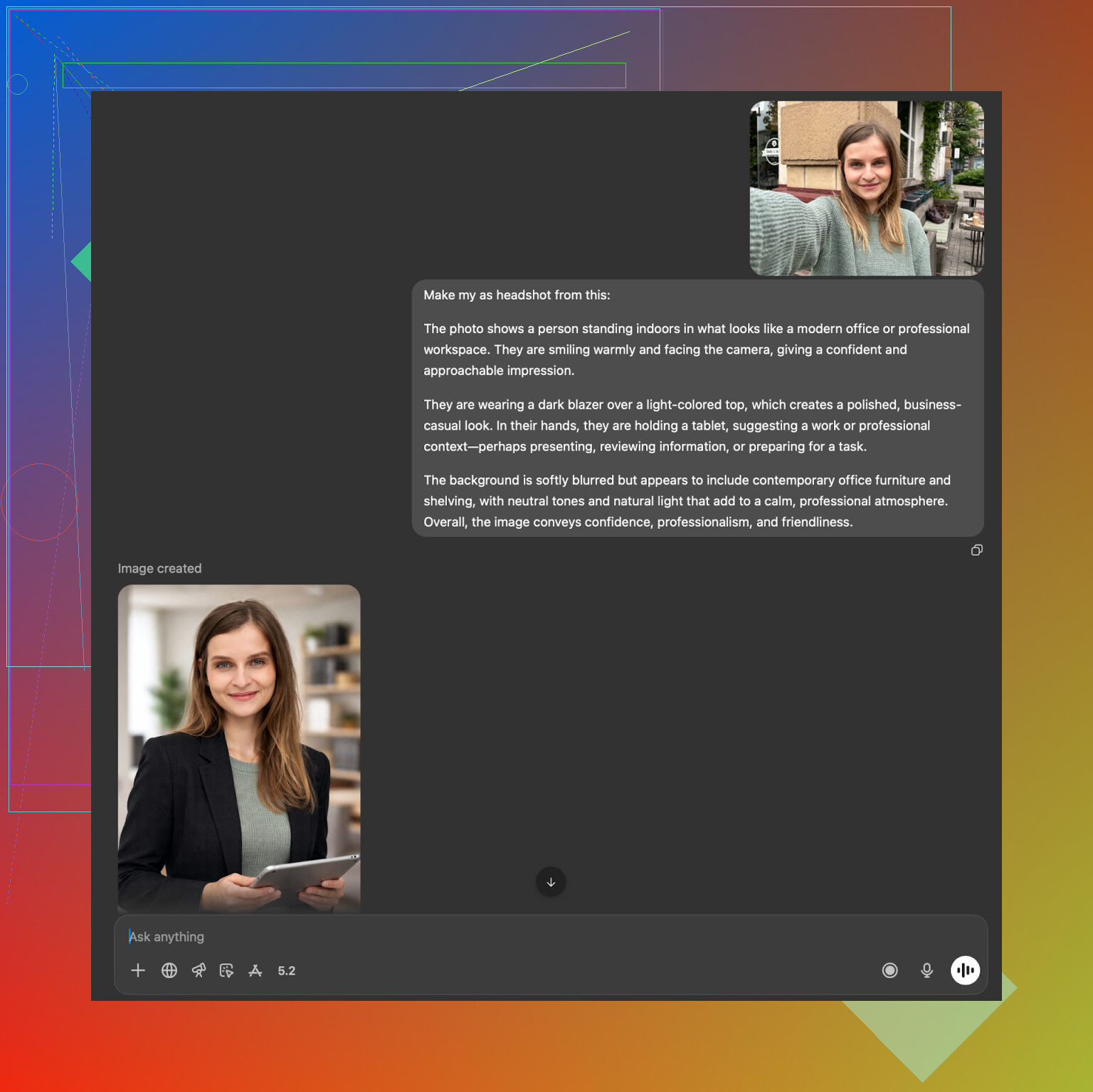
ChatGPT with DALL·E:
- It got the general vibe right
- The person in the image often looked like a close relative, not fully me
- DALL·E tends to apply its own visual style, so you lose a bit of exact likeness
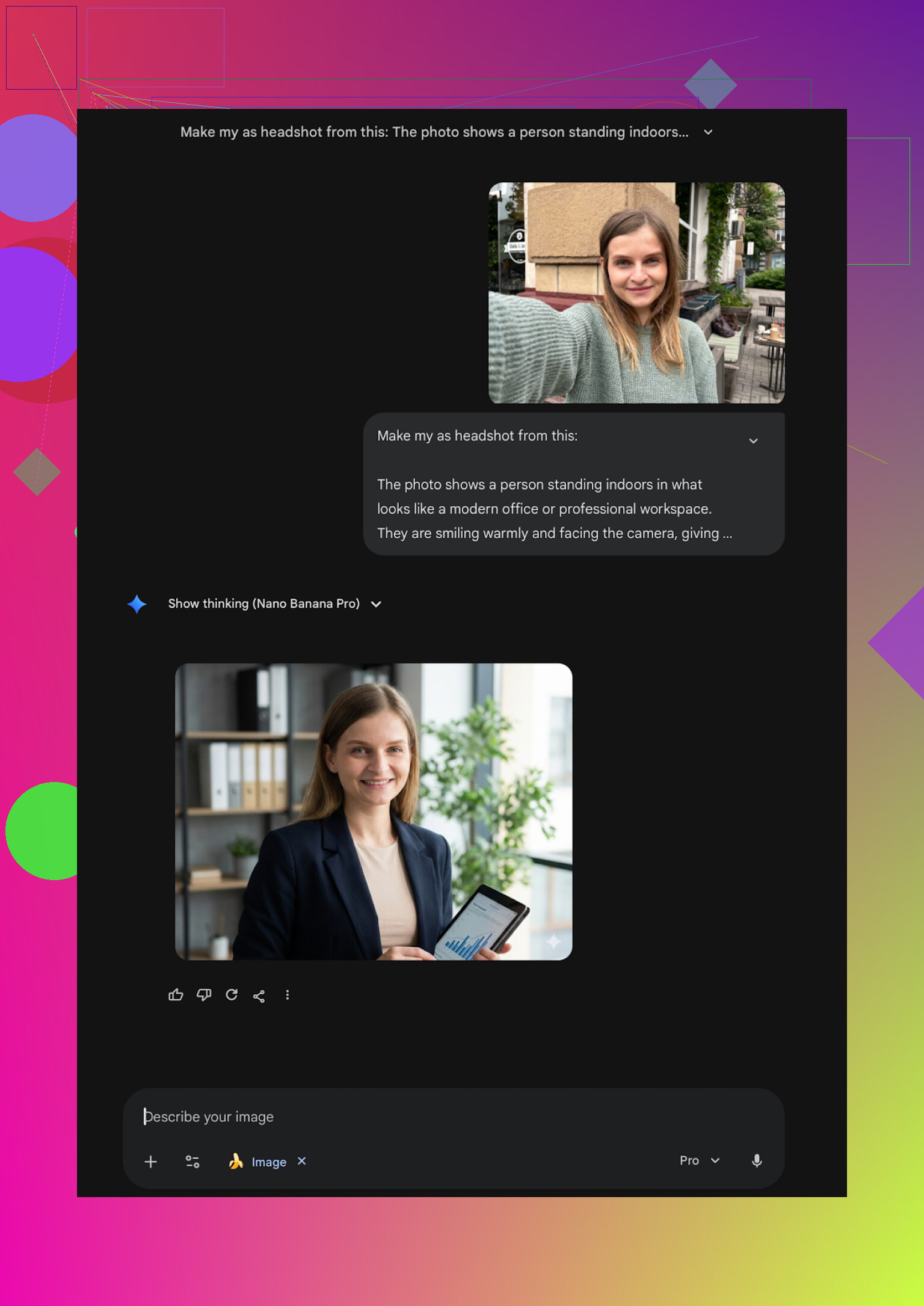
Gemini (Nano Banana Pro and similar high quality modes):
- When it worked, it was strong at photoreal look
- But it is more aggressive with safety filters for faces
- Sometimes it refused to generate anything that looked like a specific real person, which includes you
Where I ended up after all this
After grinding through a silly pile of apps and services, my rough ranking for different use cases looks like this:
-
iPhone user, wants fast, realistic, template-driven headshots
I would start with Eltima
Eltima AI Headshot Generator App - App Store -
Need a one-time serious corporate pack on web
I would lean Aragon or HeadshotPro depending on how stiff your industry is
https://www.aragon.ai/
https://www.headshotpro.com/ -
Already paying for Canva Pro for work materials
Use Canva’s headshot stuff as an add-on, not worth buying only for portraits
https://www.canva.com/ -
Want high-glam or social-first looks
Remini is still decent, but keep in mind the over-editing risk
iOS: Remini - AI Photo Enhancer App - App Store
Android: https://play.google.com/store/apps/details?id=com.bigwinepot.nwdn.international&pcampaignid=web_share -
Want to avoid extra subscriptions and you already pay for ChatGPT or Gemini
The description loop trick works, but expect some trial and error and slightly off faces
https://chatgpt.com/
Gemini AI Nano Banana Pro: KI-Bildgenerierung und Bildbearbeitung von Google
I ended up keeping Eltima on my phone and using Gemini when I want something more custom or weird. For serious stuff like LinkedIn or conference profiles, I stick to the Eltima outputs, because they look closest to what people see when they meet me in real life.
1 Like
I had the same problem for LinkedIn. Most iOS headshot apps made me look like a wax figure or a different person.
Here is what worked best for me, plus a few quick tips so your photos do not look fake.
- Best iPhone app I ended up keeping
Eltima Ai Headshot Generator App
• Strong for professional looks. Likeness stayed close, skin texture looked human, not plastic.
• One selfie is enough to start, which helps if you do not want to upload 10 pics.
• Output is fast, under a minute for me.
• Has a daily free generation, so you can test it slowly before paying.
• Pricing is mid range compared to others, but the free daily run makes it less painful.
I agree with a lot of what @mikeappsreviewer said about it. For me it edged out others on one point that matters for LinkedIn. Consistency. Across suits, casual, indoor, outdoor, it still looked like me. Some other apps nailed one photo then completely changed my face in the next set.
- Apps I would only use for casual or dating style pics
Remini
• Good if you want a glam look.
• For job hunting I found it too beautified, jawline and skin looked off compared to real life.
• Recruiters who meet you on Zoom will notice the gap.
Collart and IRMO
• Fast and easy, but likeness was weak in my tests.
• Fine for fun, not great for serious profiles.
- How to get more realistic results, whatever app you try
Use these basics or the outputs will always feel fake:
• Upload sharp, well lit selfies. No heavy filters. No sunglasses.
• Give at least one neutral expression selfie, straight at the camera.
• Avoid weird angles from below or above.
• Start with simple business presets. Solid background, blazer or shirt, soft lighting.
• Generate a batch and pick only 1 or 2 you would pass as a real photo of you on a good day.
My simple workflow on iPhone
• Take 4 to 6 new selfies by a window. Plain wall behind you.
• Load them into Eltima Ai Headshot Generator App.
• Try the “corporate” or “business” type presets first.
• Export 5 to 10 results.
• Ask a friend which one looks most like you in person, not which one is prettiest.
If your main goal is LinkedIn and job applications and you are on iPhone, I would start with Eltima, follow those input rules, then only keep the most realistic 1 or 2 shots.
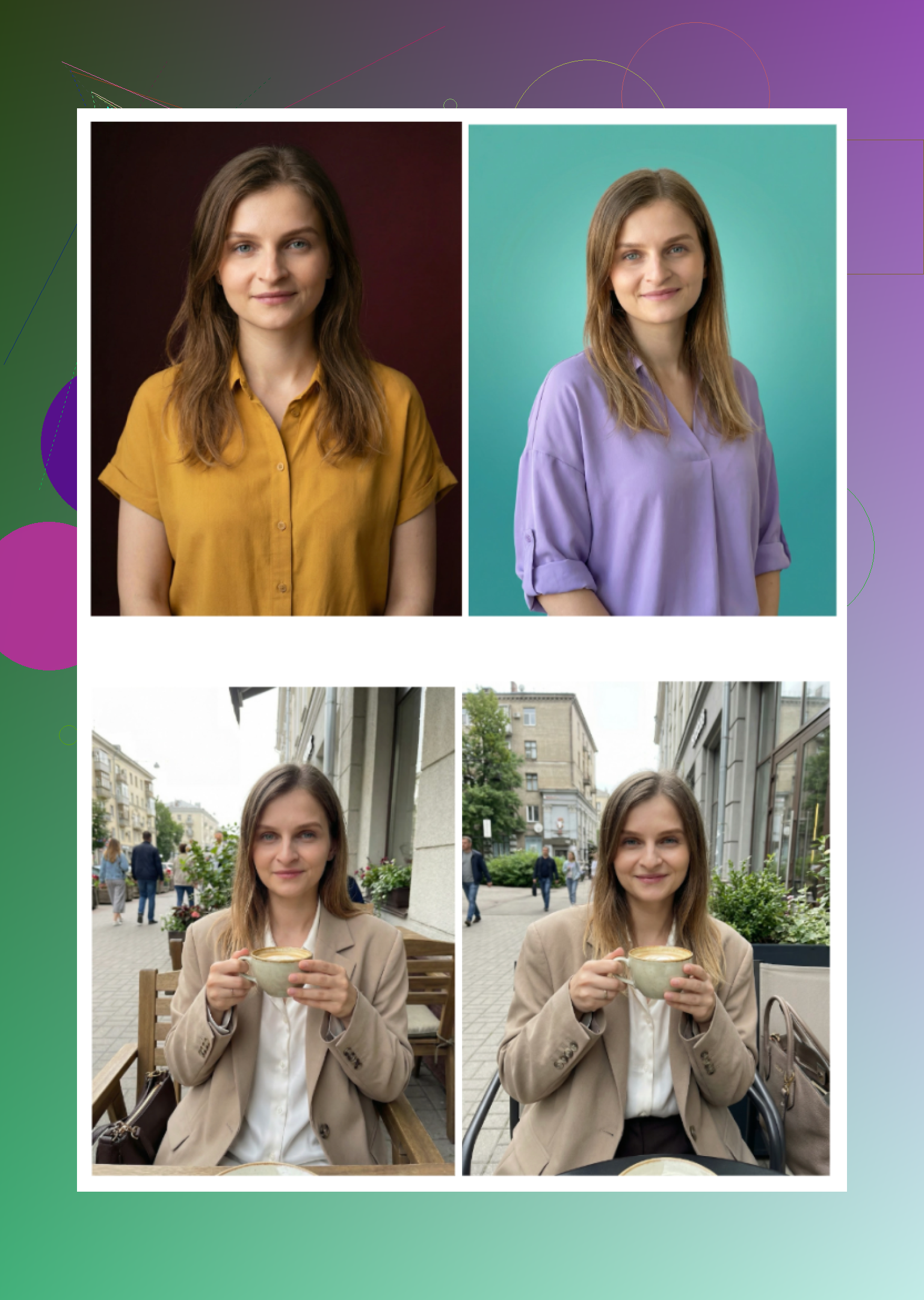
Eltima Ai Headshot Generator App is also where I ended up, but for slightly different reasons than what @mikeappsreviewer and @shizuka already covered.
Quick version for LinkedIn / job stuff on iPhone:
- If you want something that looks like a real photo of you that a recruiter won’t side‑eye on Zoom, Eltima is the safest iOS pick I’ve tried.
- It’s not perfect, but it screws up less in critical areas: eyes, teeth, hairline, and suit edges, which is honestly where most of the other apps fall apart.
Where I agree with them:
- Likeness: Eltima tends to keep your actual face structure. You still look like you, just “slept 8 hours and fixed posture you.”
- Speed: Under a minute is accurate. Great for cranking out a bunch and deleting the weird ones.
- Free daily generation: Super useful to test different vibes before spending anything.
Where I kinda disagree / have a different take:
- Remini is not just “too glam,” it also often changes bone structure for me. Jaw sharper, nose slightly different. For selfies that’s fine; for a hiring manager, that’s borderline catfish.
- Aragon / HeadshotPro on web are solid, but if you’re job hunting and tweaking your photo a lot, a subscription app like Eltima on your phone feels more practical than paying for another pack every time you want a new outfit or background.
- The “one-photo-only” apps (Collart, IRMO, some others) are a hard pass if realism is your top priority. One reference pic simply isn’t enough for consistent identity, period.
Stuff I’d add that they didn’t really hammer on:
- Stay away from over-styled templates
Those crazy “CEO in skyscraper window with dramatic sunset” looks scream AI. In Eltima, stick to:
- Neutral or lightly blurred office background
- Plain or gradient backdrop
- Simple blazer / shirt combos
When I used loud backgrounds or weirdly cinematic lighting, it jumped from “Is this a good photo?” to “Is this AI?” instantly.
- Check hands, ears, and collars
Even Eltima occasionally gives:
- Mangled shirt collars
- Odd ear shapes
- Hair merging with the background
If any of that looks off, trash the image. LinkedIn is not the place to gamble that nobody zooms in.
- Make it pass the “Zoom test”
Take the best Eltima export, put it next to:
- A normal selfie of you
- A screenshot from a recent video call
If it looks like your older cousin instead of you, keep generating. The goal is “me on my best day,” not “AI upgraded version of someone who might be me.”
- Minor manual touch up helps more than another generation
After you get a strong base image from Eltima Ai Headshot Generator App:
- Open it in your iPhone Photos editor or something simple like Snapseed
- Tiny tweaks only: brightness, contrast, maybe slight crop
Over-editing on top of AI is when it starts looking fake again.
If you’re tired of the plastic/uncanny outputs from random App Store apps and your use case is specifically LinkedIn and applications, I’d:
- Use Eltima as your main generator
- Ignore the crazier templates
- Generate 10–20 pics, keep 1 or 2 that survive a side‑by‑side with your real face
Everything else I tried on iOS was either slower, more expensive for what you get, or made me look like I was auditioning for a mobile game ad instead of a job.