I accidentally deleted important files from my external hard drive and realized it right after it happened. They weren’t backed up, and I’m trying to find out if external hard drive file recovery is still possible or if the deleted data is gone for good. I need help with the safest recovery steps and what to avoid so I don’t make things worse.
I lost a folder like this once, and the first mistake people make is keeping the drive in use while they panic-search for fixes. If you want the best shot at getting your files back, stop writing to the drive right now.
Here’s why. When a file gets deleted, the bits usually stay put for a while. The system only marks the space as free. Your photos, docs, whatever, might still be there until something new lands on top of them. So every install, download, browser cache, update, all of it eats into your chances.
Pause everything and leave the drive alone.
If the missing files were on a second internal drive or an external drive, unplug it and connect it to another computer for recovery work. If the lost data was on your boot drive, don’t keep booting into it if you can avoid it. Use a USB boot disk or move recovery work to another machine.
After the drive is out of danger, this is the cleanest way I’d go about it with Disk Drill:
- Install Disk Drill somewhere else. Put it on a different disk, not the one with the lost files. Installing onto the affected drive is how people wipe out the thing they were trying to save.
- Make a full byte-for-byte image first. Disk Drill has an option for this. I’d do that before scanning. Working from a copy is safer than hammering the original drive over and over.
- Scan the original drive or, better, the image. Let it finish. Don’t stop halfway because the first results look weird.
- Preview what it finds. This matters more than people think. A filename showing up doesn’t mean the file is usable. If the preview opens cleanly, your odds are better.
- Restore recovered files onto a different drive. Do not send recovered data back to the same disk you’re scanning.
On pricing, the free version of Disk Drill gives you up to 100 MB of recovery. It’s small, yeah, but enough to test whether your files are still there and whether the program sees them properly.
A few things I’d keep in mind:
- Old-school HDDs tend to be easier to recover from than SSDs. If your drive is a hard disk, your odds are often better. Some newer hard drives support TRIM though, so don’t wait around too long.
- Clicks, grinding, or repeated spin-up noises are bad signs. At that point I would stop. That’s less a software mess and more a hardware failure. A recovery lab is the safer move.
- Do one proper scan, not five random ones. Re-running scans over and over doesn’t magically pull out more data. It only adds wear, and on a shaky drive, that’s a dumb risk.
If Disk Drill doesn’t get you there, I’ve seen people switch to other tools with mixed luck. Recuva is easy and light, good for simple deletions. DiskGenius goes deeper and makes more sense when partitions or file systems are messed up. Data Rescue is one people bring up a lot on Mac. I’d still start with Disk Drill, but if you hit a wall, those are the usual backups.
Move fast, don’t write anything new to the drive, and keep the recovery target separate. If the drive is still healthy, there’s a decent shot your files are still sitting there.
1 Like
Yes, if you deleted them by mistake and stopped using the external drive fast, recovery is still possible.
I agree with @mikeappsreviewer on the big thing, stop using the drive. I differ a bit on one point, I would check the simple stuff first before running a deep scan. Look in the Recycle Bin on the PC used for deletion. Some external drive deletions skip it, some don’t. Also check if the files were moved, not deleted, with a Windows search by file extension, like .jpg, .docx, .mp4. That takes 2 mins and saves time.
After that, use a recovery app. Disk Drill is a solid pick for external hard drive file recovery because it shows deleted files fast and lets you preview them. Preview matters. A file name means nothing if the file opens broken. If the drive is a normal HDD, recovery odds are often decent. If it is an SSD-based external drive, odds drop because TRIM wipes deleted blocks faster. Not always, but often enough to matter.
One more thing people miss, check SMART health before doing long scans. If the drive has bad sectors or starts disconnecting, clone it first or stop and go to a lab. Deleted files are one problem. A failing drive is a diffrent one.
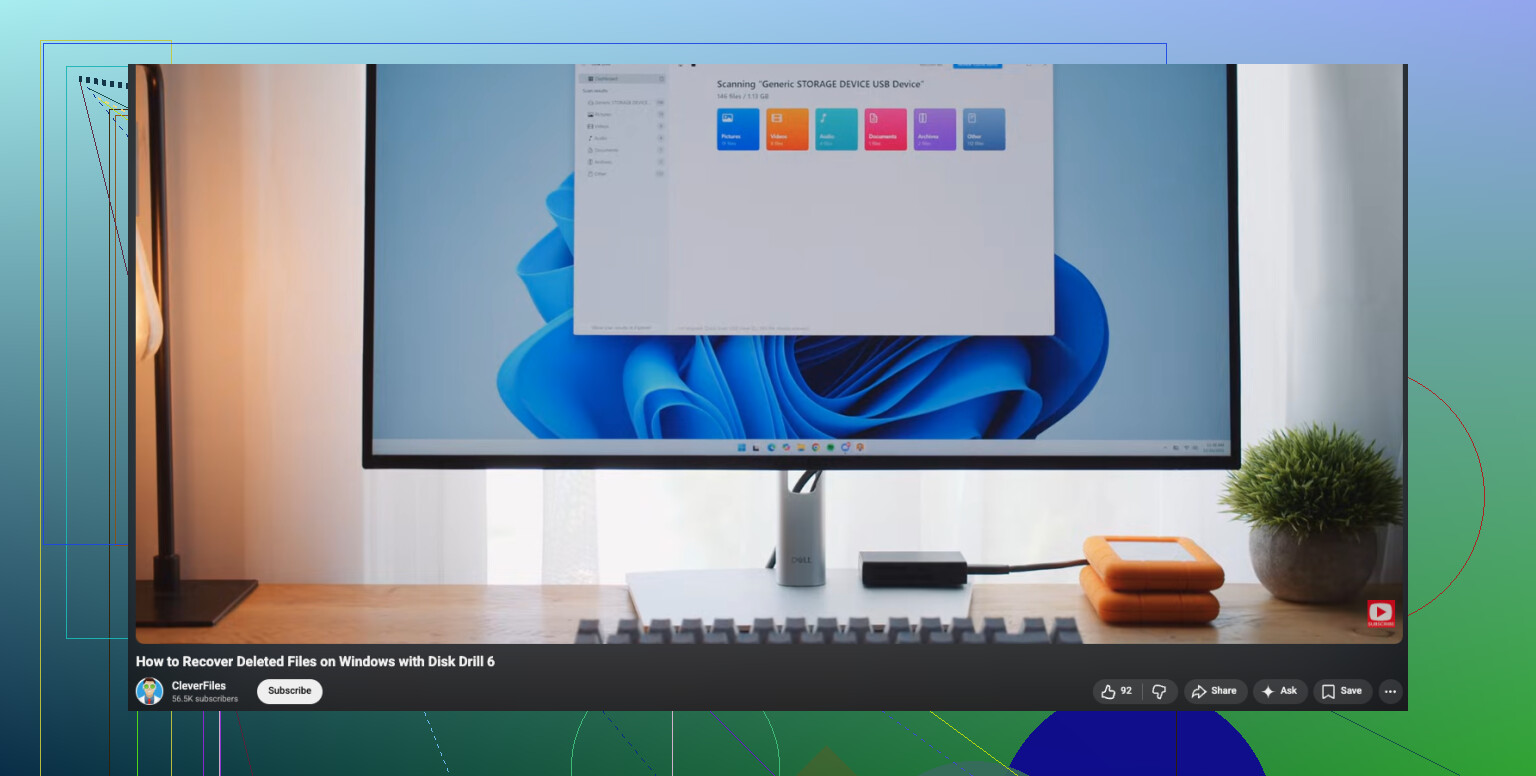
For Windows users, this deleted file recovery guide is short and useful:
watch this Windows deleted file recovery walkthrough
Short version:
Stop writing to the drive.
Check Recycle Bin and search.
Run Disk Drill or a similar tool.
Recover files to another disk.
If the drive clicks or drops offline, stop.
Yep, external hard drive file recovery is absolutely still possible if you caught it right away. Deletion usually just removes the file’s index entry, not the actual data, so the main factor is whether anything has overwritten that space yet.
I mostly agree with @mikeappsreviewer and @sterrenkijker, but I’m a little less sold on doing a long health check first if the drive seems stable. Sometimes people burn time poking around with diagnostics when the smarter move is to recover the important stuff first, then test the drive later. If the drive is making weird noises or disconnecting, different story.
One thing not mentioned enough: check whether the files were deleted with Shift+Delete, through Explorer, or from another app. That changes whether the OS may have left some metadata behind. Also, if this is an exFAT external drive, recovery can be a bit less forgiving than on NTFS in some cases, esp if you kept using it after deletion.
My approach would be:
- Disconnect the drive.
- Reconnect it only for recovery.
- Use Disk Drill to scan for deleted files and preview them.
- Recover only the most important stuff first to another disk.
- After that, if needed, try a second tool for anything Disk Drill misses.
That “recover the critical files first” part matters a lot. People get greedy and try to restore 600 GB of junk before grabbing the tax docs or family photos they actually care about. Kinda backwards.
Also worth reading: real external hard drive recovery success story
So yeah, not hopeless at all. If you stopped using the drive fast, your chances are still prettty decent.