With all the built-in cloud features in modern OSs, is there still a reason to pay for Mountain Duck? I’d love to hear why you still use it (or why you stopped).
Here is my take on how it actually performs when you’re using it day in and day out.
What Is Mountain Duck and Why I Started Using It
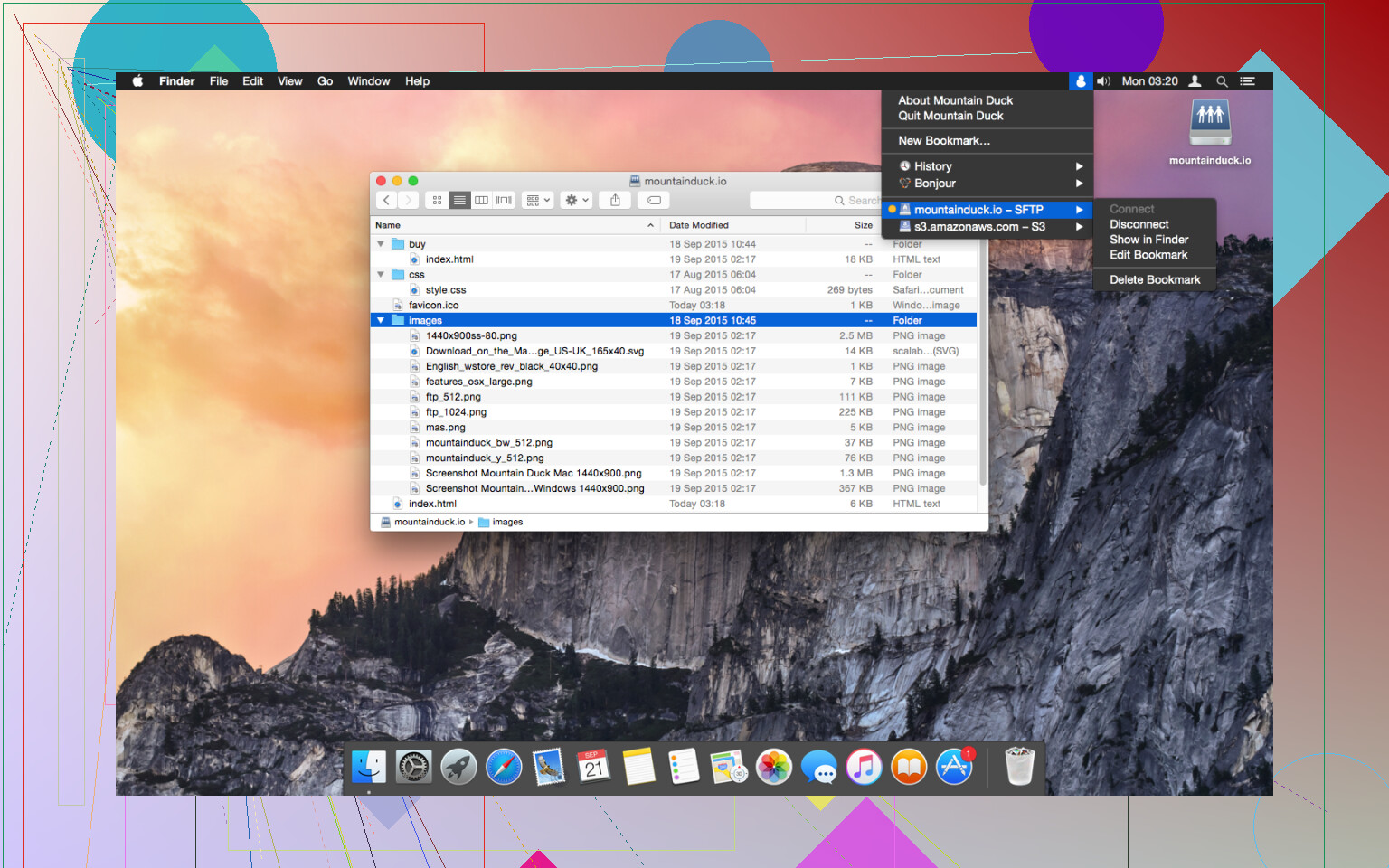
Mountain Duck is basically a bridge. It takes things like FTP servers, Amazon S3, or Google Drive and mounts them as local disks on your desktop. I first picked it up because I was tired of using traditional FTP clients where you have to manually upload and download every little change. I wanted to be able to open a file on a server, hit “Save” in my editor, and have it update automatically without thinking about it. Since it’s built on the same foundation as Cyberduck, which I already trusted, it seemed like the obvious choice to make my remote work feel more local.
What I Like About It
The best thing about Mountain Duck is how approachable it is. If you know how to use a folder on your Mac or PC, you already know how to use this.
- Easy Setup: Getting started is dead simple. You just plug in your server details, and suddenly a new drive icon pops up on your desktop.
- Familiar Interface: Because it lives right inside Finder or File Explorer, there is no new interface to learn.
- Reliable for Basics: For standard FTP tasks or moving a few documents around, it does exactly what it says on the tin.
- Smart Syncing: It has a nice feature where it only downloads the files you are actually working on, which helps save local disk space if you have a massive server.
Where It Falls Short
While the concept is great, the execution can be a bit heavy. After using it for a few months, I started noticing some real friction, especially on my Mac.
- Heavy on Resources: This is my biggest gripe. Mountain Duck can be surprisingly demanding on system memory and CPU. I often found my Mac’s fans spinning up just because the app was indexing a large remote folder in the background.
- Finder Lag: Sometimes, opening a mounted folder would cause Finder to “beachball” or hang for a few seconds while the app caught up. When you are in the middle of a fast-paced project, that tiny delay becomes a huge annoyance.
- Connection Stalls: Every now and then, the “duck” would just lose its way. I’d try to save a file, and the app would hang indefinitely, forcing me to force-quit the process and restart the mount.
A Better Option I Found: CloudMounter
After getting a bit frustrated with the performance hits, I decided to look for an alternative and stumbled upon CloudMounter.
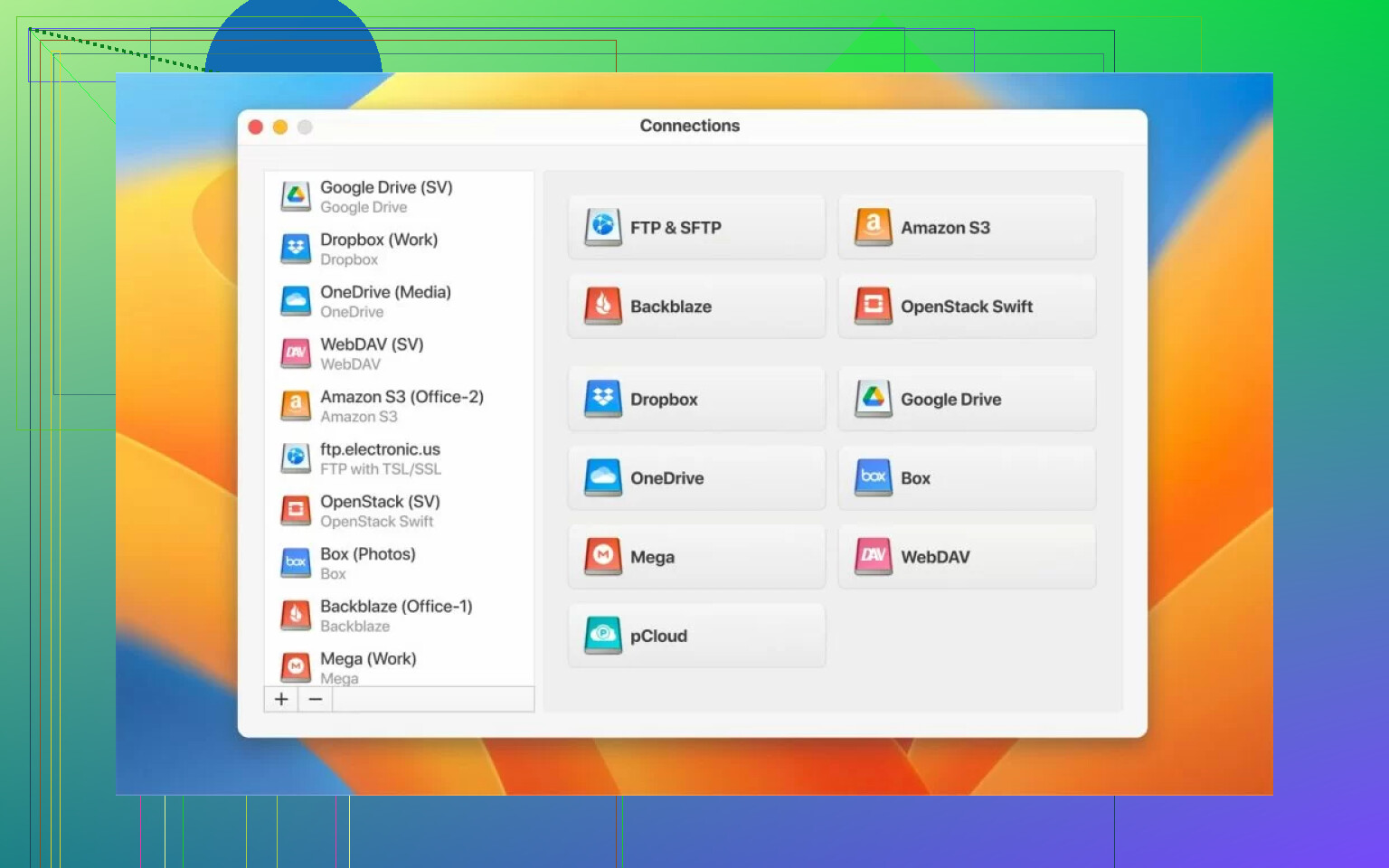
It does the exact same thing, mounting your cloud and server accounts as drives, but it feels much lighter. On my Mac, CloudMounter seems to play a lot nicer with the system resources. It stays out of the way and doesn’t seem to trigger that same heavy CPU usage I saw with Mountain Duck. The integration feels a bit tighter and more responsive, making it much easier to forget that I’m even working on a remote server. If you’re finding that Mountain Duck is slowing down your workflow or eating up too much RAM, CloudMounter is definitely the move.
2 Likes
I think Mountain Duck is still usable in 2026, but I would not call it the easy default anymore.
Where I disagree a bit with @mikeappsreviewer is this. Mountain Duck still makes sense if your work is light. Small web edits, occasional SFTP access, a few cloud folders, it does the job. Its provider support is still one of the main reasons people keep it around.
The problem is trust under load. If your workflow depends on fast saves, lots of small file ops, or browsing deep folders in Finder, the cracks show faster. I’ve seen sync confusion, delayed file state updates, and mounts needing a reconnect after sleep. Those are not dealbreakers for everyone, but they get old fast.
What I’d use to judge it now:
- Do saves feel instant.
- Do mounts survive sleep and network changes.
- Does Finder or Explorer stay responsive.
- Does Spotlight or AV scanning turn it into a slog.
- Do you work with lots of small files, becuase that’s where pain usually shows up first.
If 2 or 3 of those fail on your machine, I’d move on.
CloudMounter is the first alternative I’d test. It feels smoother for day to day mounted cloud and server access, esp on macOS. Less fiddly. Fewer moments where you stop and wonder if the file operation went through. If your goal is simple mounted access without babysitting, CloudMounter is a fair swap to try.
So, worth using in 2026? Yes, for lighter use. For all day work, I think it’s slipping.
I think it’s still worth using in 2026, but only if you treat it like a convenience tool, not a mission-critical part of your workflow.
I’m a little less negative than @mikeappsreviewer and pretty close to @waldgeist on this. Mountain Duck has not become useless. It still solves a very specific problem well: mounting remote storage straight into Finder or Explorer without doing the old download-edit-upload dance. That part is still nice.
Where I think it starts to fall apart is reliability under friction. Not just huge transfers either. Sometimes the annoying stuff is more basic: sleep/wake weirdness, stale file listings, apps not realizing a remote file changed, save dialogs hanging for a sec longer than they should. Those tiny delays are what made me stop trusting it for active work.
Big difference for me: if you mostly browse, preview, and occasionally edit, Mountain Duck is probly fine. If you do dev work, lots of little assets, or anything where save timing matters, I’d be careful. Mounted drives always look simpler than they really are, and Mountain Duck still feels like it leaks that complexity back onto the user.
Also, this may be unpopular, but “supports tons of providers” is not the same as “best day-to-day experience.” Feature breadth is nice. Stability is nicer.
So my 2026 verdict:
- Still usable
- Not dead
- Not the default recommendation anymore
- Fine for lighter workloads
- Questionable for all-day, file-heavy workflows
If you’re already noticing workflow issues, I would not assume it’s just you. I’d test CloudMounter side by side for a week. In my case it felt more predictable, which honestly matters more than a longer protocol list. Sometimes boring and smooth wins.
So yeah, Mountain Duck is still relevant, just not automaticly the smart choice anymore.
I land somewhere between @waldgeist and @shizuka, and a bit away from @mikeappsreviewer on one point: Mountain Duck is not outdated, but it is easier to outgrow now.
What still makes it worth keeping:
- broad protocol and provider support
- works inside Finder / Explorer
- good if you need occasional remote edits without a full sync client
What makes it harder to recommend in 2026:
- remote mounts still feel fragile after sleep, VPN flips, or flaky Wi‑Fi
- metadata-heavy folders can feel slow even when file sizes are small
- some apps handle mounted remote files badly, so the pain is not always Mountain Duck alone
That last part is where I disagree a little with the more negative takes. Sometimes the bottleneck is Finder, Spotlight, antivirus, office apps, or the remote server itself. Mountain Duck gets blamed for the whole stack.
My rule now is simple: if you edit live production files, codebases, or lots of tiny assets, stop treating mounted remote storage like a local disk. Use a sync or deploy workflow instead. If you just need access, browse, preview, and light edits, Mountain Duck is still perfectly serviceable.
If you want an alternative, CloudMounter is the obvious one to trial.
CloudMounter pros:
- usually feels lighter in daily use
- simpler setup for common cloud drives
- smoother Finder behavior on many Macs
- less “did that save actually finish?” anxiety
CloudMounter cons:
- not as appealing if you rely on obscure protocols or niche setups
- still subject to the same basic truth that mounted cloud storage is not truly local
- pricing / feature split may fit some people worse than Mountain Duck
- can be too simplified if you want deeper transfer control
So, still worth using? Yes, if your use is light and your setup is stable. If your workflow issues are recurring and trust is slipping, that is usually the signal to move on, not to keep tweaking.