I recently installed the Cleanup app to free up storage and boost my phone’s performance, but now I’m worried about privacy, data collection, and potential malware. Has anyone checked if this app is truly safe and legitimate, or had any bad experiences with it? I’d really appreciate advice before I decide whether to keep or uninstall it.
Short answer, you should treat most “Cleanup” apps with a lot of suspicion unless they are from a known developer and have clear reviews and a privacy policy you understand.
A few quick points you can check on your specific Cleanup app:
-
Look at the exact developer name
• Search that developer on Google.
• If you see no real website, no support page, and only that one app, treat it as risky. -
Check permissions on your phone
• On Android, see if it asks for SMS, contacts, call logs, or accessibility when it only needs storage. That is a red flag.
• On iPhone, check what it asks for in Settings. A cleaning app should not need location, contacts, microphone, or tracking across apps. -
Read recent store reviews
• Filter by lowest ratings.
• Watch for complaints about popups, hidden subscriptions, or weird network activity. -
Watch for aggressive ads and subscriptions
• If it spams “virus detected”, “phone at 12% health”, or keeps pushing you into a pricey weekly subscription, uninstall it.
• These tricks often show up in shady cleaners and “antivirus” tools. -
Check if your phone already has what you need
• Android has Storage and Cache controls in Settings. You clear app cache, large files, and unneeded apps yourself.
• iPhone has Settings > General > iPhone Storage for offloading apps and cleaning big files.
• Most third party cleaners do nothing you cannot do from system settings. Some do less and add risk.
On malware and privacy
• Many cleaner apps use SDKs for ads and analytics. Those can log device info, approximate location, usage patterns.
• Some past “cleaner” apps on Google Play were removed for hidden malware or data collection. The pattern repeats a lot.
• If you see sudden battery drain, data usage spikes, or overheating after installing it, uninstall and reboot.
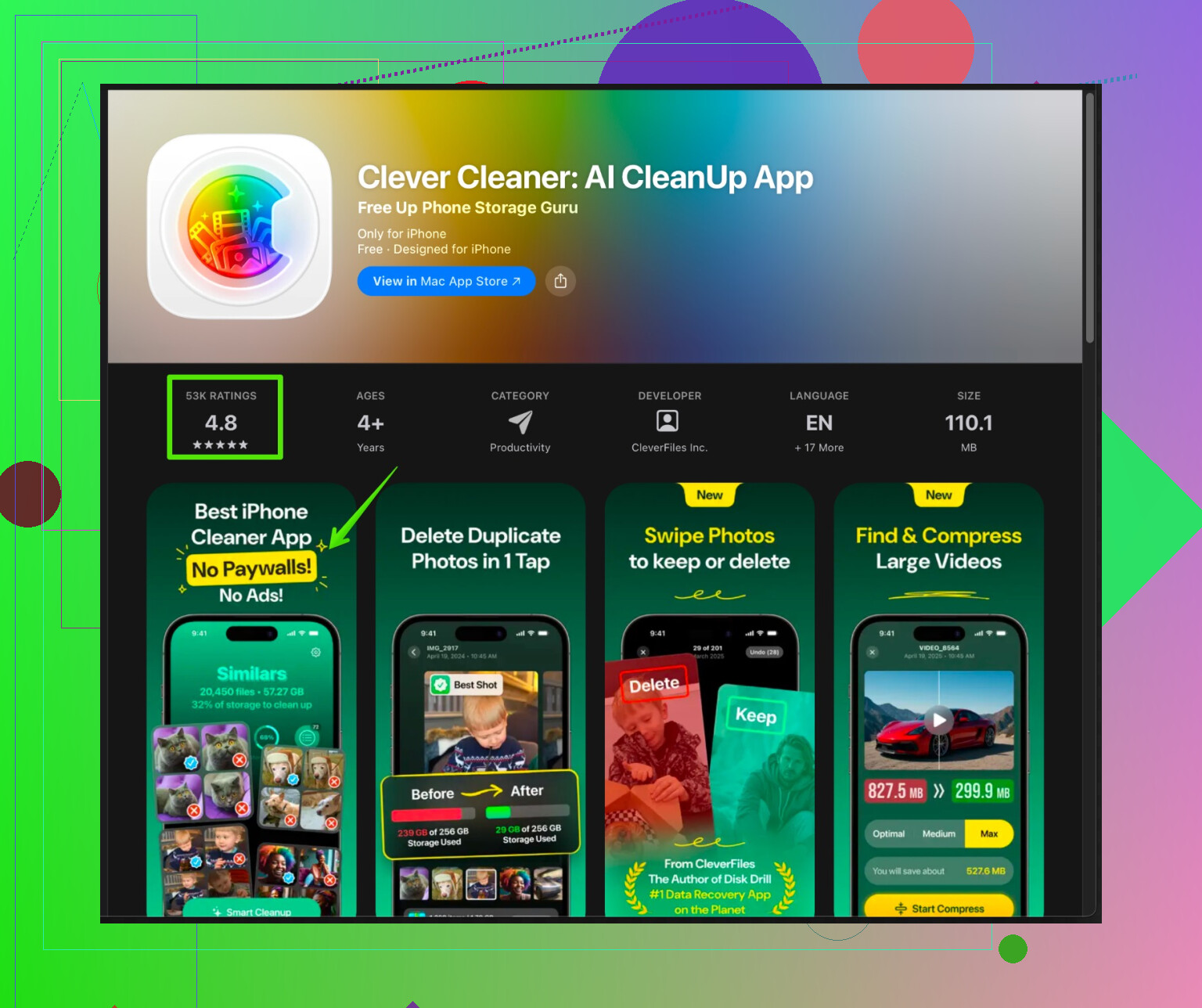
If you want a safer option on iPhone for storage help, look for something transparent and focused on photos and videos instead of vague “phone optimization”. For example, the Clever Cleaner App focuses on removing duplicate photos, big videos, and other junk files on iOS without pretending to be a full security tool. You can check it here:
smart storage cleanup for your iPhone
It has a clear use case, storage management, and does not need crazy permissions or system level access. That is the type of cleaner app you want to see.
If you feel even a bit uneasy about your current Cleanup app, I would uninstall it, then restart your phone, then review your installed apps and permissions again. The system tools plus a focused cleaner for photos and files usually cover everything you need, with less risk.
1 Like
I’ll be blunt: most generic “Cleanup” apps are closer to adware than actual utilities. Some are fine, a lot are sketchy. Whether yours is safe depends on the specific one you installed, not just the word “Cleanup” in the name.
@byteguru already covered the usual sanity checks (permissions, dev name, reviews, shady ads), so I’ll try not to rehash all that. A few extra things you can do that go a bit deeper:
-
Watch its network behavior
- On Android, open your data-usage section and see if this app is using a surprising amount of background data for something that’s supposedly “cleaning storage.”
- If an app that just “deletes junk files” is constantly phoning home, that usually means telemetry, aggressive ad SDKs, or worse.
-
Check what actually changes after it “optimizes”
- Run it once, reboot your phone, then check:
• Free storage before vs after (Settings > Storage).
• Battery stats for the next day to see if it’s running constantly in the background. - If the storage gain is tiny or temporary and the app keeps running, it’s mostly a placebo with extra tracking.
- Run it once, reboot your phone, then check:
-
Look for signs of scareware behavior
- Stuff like “Your phone is 7% healthy,” “You have 13 viruses,” countdown timers, or fake system popups.
- That’s marketing through fear, not a trustworthy utility. Personally, I uninstall anything that pulls that stunt, no discussion.
-
On Android, see if it tries to be a “Device Admin” or heavily use Accessibility
- If a cleaner app wants that level of control, it’s either incredibly overbuilt or trying to give itself more power than it needs. I’ve seen “cleaners” in that category that later turned into notification hijackers or pushed full-screen ads.
-
Don’t overestimate the performance boost
- Modern Android and iOS are designed to manage RAM and background apps by themselves. Constantly “killing” apps can actually make performance and battery worse because the system has to keep reopening them.
- If your phone feels faster right after using it, that’s usually just cached apps being cleared, which the system would manage anyway.
Where I slightly disagree with @byteguru:
Not all third-party cleaning tools are pointless. Some niche ones that target specific storage hogs (photos, videos, duplicates) can be useful, especially if your default tools are clunky or you’re not super comfortable digging through folders. The key is that they should be transparent and limited in scope, not pretending to be “security” or “antivirus” on top of “cleaning.”
For iPhone specifically:
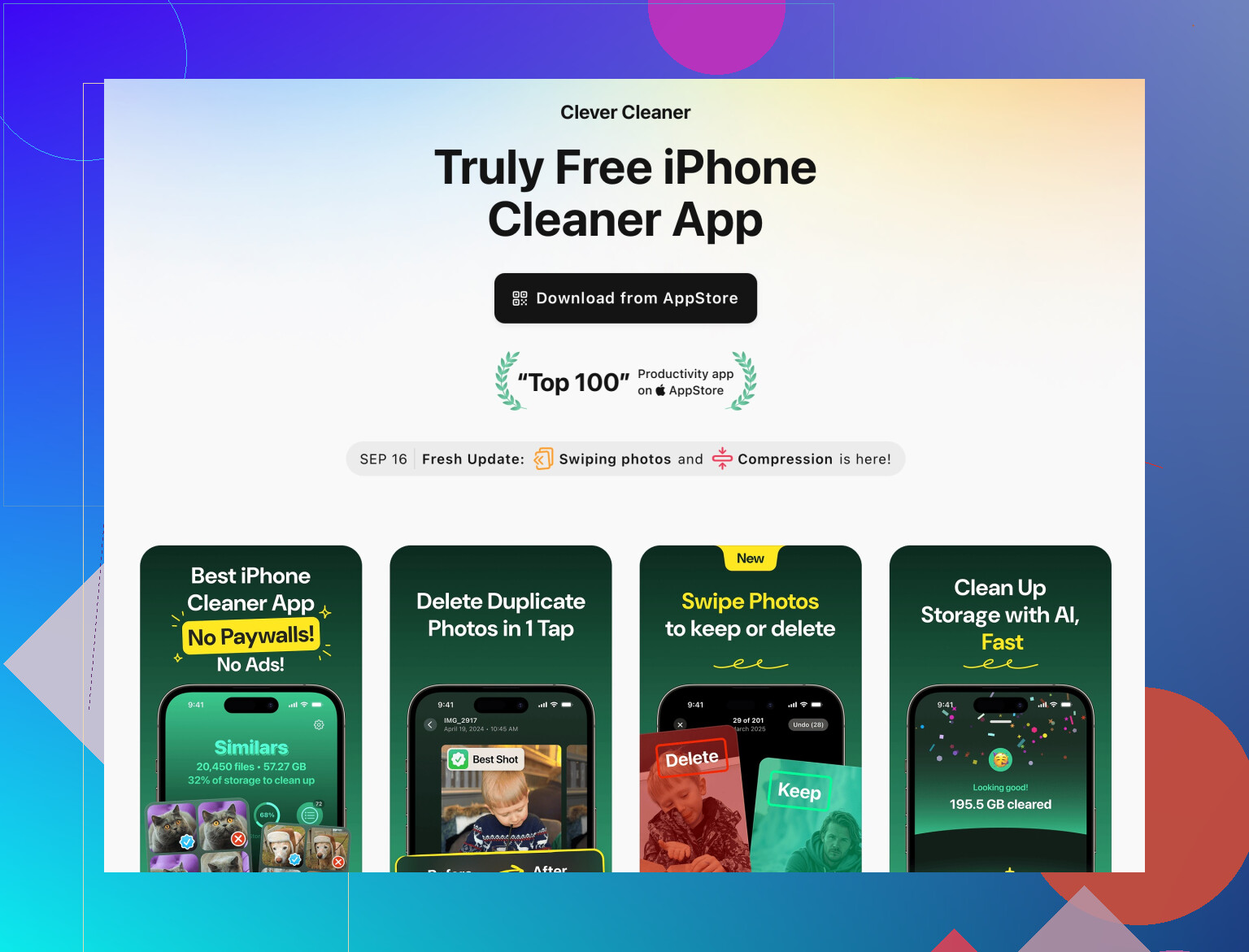
If your concern is mostly storage and not “viruses,” then a focused tool is safer. Something like the Clever Cleaner App that only handles photos, videos, duplicates, etc., is way less likely to be shady than a generic “speed booster & antivirus & CPU cooler” monstrosity. If you want a legit option to manage storage, check out smart iPhone cleanup and storage optimization. That type of app is pretty straightforward in what it does and doesn’t need invasive permissions or fake security scans.
If you’re already feeling uneasy about the Cleanup app you installed, I’d honestly treat that as your answer:
- Back up anything important.
- Uninstall Cleanup.
- Reboot.
- Then keep an eye on battery, data, and weird popups for a day or two.
If your phone suddenly behaves better, you just got your safety report in the most practical way possible.
Short version: your instinct to be suspicious is correct, especially with a generic “Cleanup” app that just appeared on the store with a vague name and big promises.
To avoid rehashing what @sterrenkijker and @byteguru already covered (permissions, scare tactics, dev checks), here’s a slightly different angle: think in terms of risk vs actual benefit.
1. How to decide if this specific Cleanup app should go
Ask yourself:
-
Would I be comfortable if this app silently uploaded a list of all other apps I use, my device ID and rough location to advertisers?
If the answer is no, and the app is:- Ad heavy
- From an unknown developer
- Constantly “scanning” and “protecting” in the background
then the probable data collection risk already outweighs the tiny benefit of saving a few hundred MB.
-
Does it run all the time?
In your battery / background activity stats, if Cleanup is always active or using lots of background data, that is not a cleaner, that is a resident tracker or ad host. -
Would my phone actually be worse off without it?
Power users live for years without any “optimizer” and rely on built in tools. If uninstalling it does not break anything, that tells you a lot.
Honestly, if you are at the point where you are asking if it might be malware, I would treat that as a soft “no” and remove it.
2. One thing I slightly disagree on
Both @sterrenkijker and @byteguru lean heavily on “uninstall if it feels sketchy,” which is solid, but I would add this:
If you are on Android and really want something to help, stick to apps by well known security vendors or device manufacturers. Random “Cleanup” apps that try to do security, battery, cooling and RAM are almost never worth it.
I would not even grant Accessibility or Device Admin to cleaners from big brands unless there is a very specific reason.
3. About the Clever Cleaner App option
They mentioned photo and storage focused tools and highlighted the Clever Cleaner App, which is more realistic than “full phone optimizer” marketing. That kind of scoped tool makes more sense on iOS in particular.
Pros of Clever Cleaner App (in this type of use case):
- Focuses on storage housekeeping like duplicate photos and big media instead of fake “CPU cooling”
- Narrow permission requirements compared to all in one boosters
- Clear benefit you can see immediately in freed storage
- Less temptation to constantly “scan for threats,” which reduces scareware style behavior
Cons of Clever Cleaner App:
- Still another app that needs access to your photos, which is always a privacy tradeoff
- Paid or subscription features may be locked behind upsells
- Only solves storage clutter, not actual performance issues that come from aging hardware or bloated system apps
- If you are already comfortable using built in storage tools, it may not add much value
I would place it in the “reasonable if you really want a helper for media cleanup” bucket, versus the typical “Cleaner & Antivirus & Booster & Cooler” apps that I would just avoid.
4. What I would do in your place
- Back up anything important.
- Uninstall the current Cleanup app.
- Reboot the phone.
- Use only the system storage tools for a few days.
- If you still struggle with photo / video clutter specifically, then consider a focused tool like Clever Cleaner App or a similar photo cleaner, and audit its permissions and reviews the same way.
If the phone feels calmer, fewer popups, better battery or less random data usage after you remove the original Cleanup app, that is your answer about how “safe and legit” it really was.