I accidentally overwrote a GPT partition on my drive and now the data is missing. I’m trying to figure out whether data recovery software can restore the partition or if I need a professional recovery service before I make things worse.
Yeah, when a drive suddenly shows up as “Unallocated” or “RAW,” it looks bad, but it does not always mean the files are gone. With GPT disks especially, there can be backup partition information on the drive, so the data may still be sitting there even if Windows can’t mount the volume correctly.
The big thing is to stop touching that drive. Don’t format it. Don’t make a new partition. Don’t run Diskpart clean. Don’t copy anything to it. Any write to the disk can overwrite file system data or partition info that recovery tools might need later.
If the data matters, the safest move is to make a full sector-by-sector image first. Tools like dd or ddrescue are commonly used for this because they copy the disk at the block level. Then you can work from the image instead of experimenting on the original drive. If a recovery attempt goes sideways, you still have the untouched source disk to go back to.
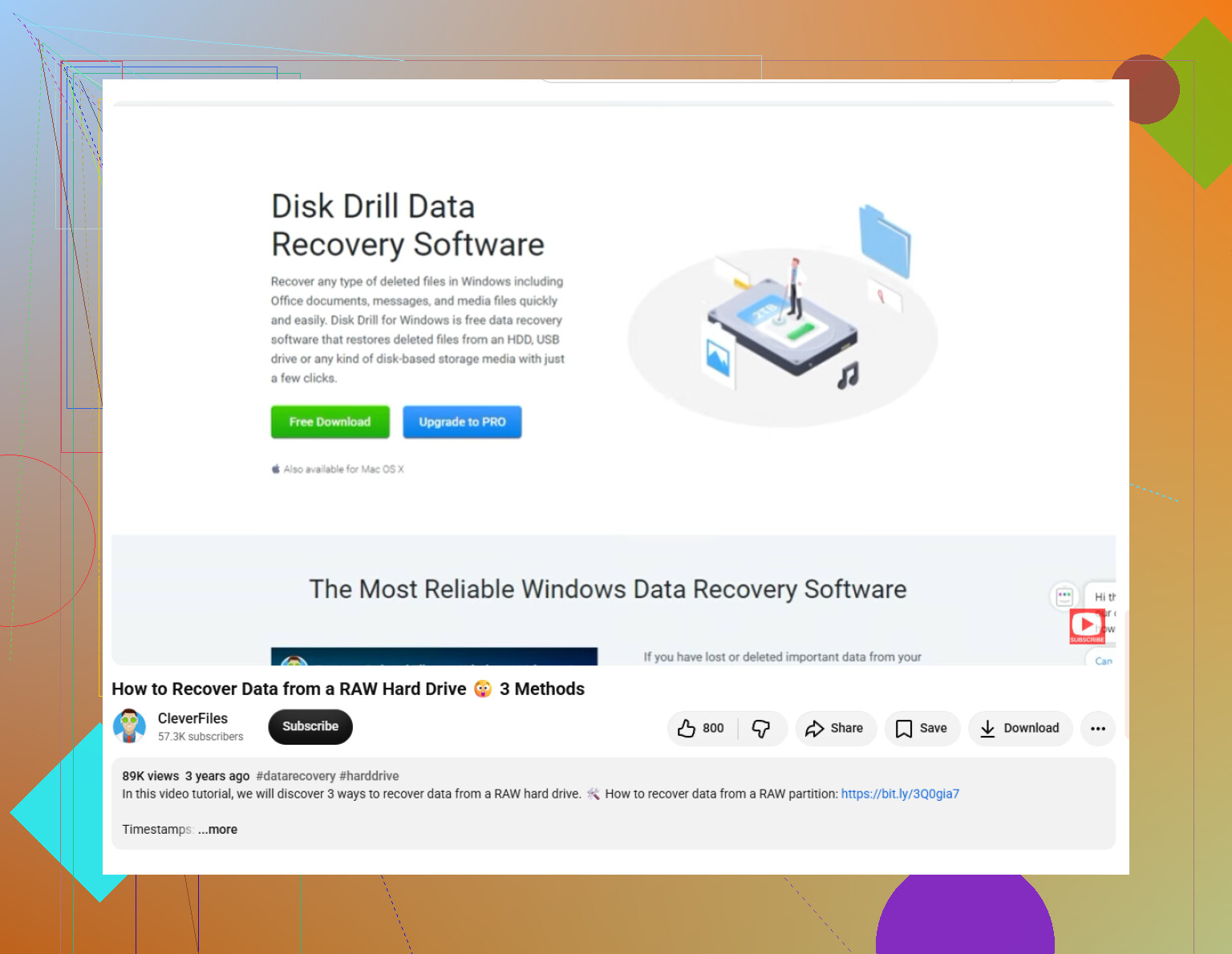
Before trying to “fix” the partition table, I’d recover the files first. For most people that is the lower-risk path. Something like Disk Drill is easier than command-line tools and can scan for lost partitions, damaged GPT info, and file signatures. The scan itself is read-only, so it should not be changing the damaged disk while it looks for recoverable data.
When the scan finishes, preview what it finds and recover the files to a completely different physical drive. Do not save recovered files back to the problem disk. If the files are showing up correctly, get them copied somewhere safe before doing anything else.
Only after the important stuff is backed up would I start looking at repairing the GPT. TestDisk is a common option for this. It can search for lost partitions and rewrite the partition table if it finds the right layout. Just be careful with the “Write” step, because writing the wrong partition structure can make the situation worse.
gdisk is another tool worth knowing about. GPT keeps a backup header at the end of the disk, so if the main GPT header is the only thing damaged, gdisk may be able to rebuild it from that backup copy.
Also, if Windows Disk Management says “GPT Protective Partition,” don’t assume that means the disk is wiped. That can happen with older systems, bad USB adapters, or setups that simply are not reading the GPT layout properly. Still don’t use Diskpart clean unless you are fully done with the data. Scan it first, because the files may still be recoverable even if Windows is displaying the partition wrong.

A partition can look recoverable and still turn into a messy file dump if the filesystem metadata was overwritten along with the GPT entry. That is the catch with “restore the partition” tools: they are great when the old start and end sectors can be found cleanly, but they are not magic if a new partition or format wrote over the old NTFS/exFAT structures.
I agree with the earlier advice about imaging the disk first, but I would not be in a hurry to write a repaired partition table back to the drive. If recovery software like Disk Drill can see the folder tree and filenames, that usually means the filesystem is still mostly readable, so copy the files out to another drive first. If it only finds random file types with generic names, then you may still recover some data, but the original structure may be gone or partly damaged.
The big edge case is SSDs. If this was an SSD and Windows issued TRIM after the partition was deleted or recreated, recovery software may show far less than expected because the drive may have already cleared the old blocks internally. A professional shop usually cannot reverse TRIM either, so paying for recovery is not automatically better in that case. I’d save the professional route for clicking drives, drives that disconnect, very slow scans, encryption complications like BitLocker, or data valuable enough that you do not want to risk learning on the only copy.
If the new partition starts at the exact same sector as the old one, your odds are a lot better than if it was shifted even a little. That detail matters more than people expect, because the file system may still be there but Windows has no correct map to it. I’d use recovery software first, but only to recover files to another disk, not to “fix” the drive in place. Disk Drill/TestDisk-style scans are fine for seeing whether the folder tree is intact, but if this is business-critical data, stop after the scan preview and let a shop handle the original drive. The expensive mistake is treating a partition-table problem like a normal Windows repair and clicking through prompts that write a “new” layout.
A deleted partition entry is a very different problem from a newly formatted partition that happened to use the same space. In the first case, software can often find the old NTFS/exFAT volume and copy the files out with names and folders intact. In the second case, the new format may have written fresh filesystem metadata right over the old metadata, so the recovery can drop from “nice folder tree” to “pile of files named file000123.jpg” pretty fast.
I’d be a little careful with the word “restore” here. Restoring the partition sounds tidy, but it is usually the riskier goal. The safer goal is “extract the data.” If a scan in Disk Drill, R-Studio, UFS Explorer, TestDisk, etc. shows the original directory structure, recover that data to another physical drive first. After that, you can worry about whether the GPT can be rebuilt. A repaired partition table is only useful if it points to a filesystem that is still coherent.
A small thing people forget: don’t let Windows “help.” If it offers to initialize, format, repair, check, or scan the disk, cancel it. I would avoid opening the volume in Disk Management more than necessary too, because it is very easy to click the wrong prompt when you’re tired or panicking. Same for CHKDSK. CHKDSK is not a recovery tool. It can make a damaged filesystem mountable by throwing away records it thinks are bad, which is the opposite of what you want before recovery.
Professional recovery is worth considering sooner if the drive itself is unhealthy, not merely because the GPT is wrong. Weird clicking, disconnects, I/O errors, slow reads that crawl for hours, or a drive that disappears under load changes the whole situation. Software recovery assumes the drive can be read reliably. If it cannot, every home scan is extra wear on a possibly dying disk.
So my practical answer would be: software is enough for many plain partition-table accidents, but don’t try to “fix” the original disk first. Image it if you can, scan the image or the original read-only, recover to a second drive, then decide whether partition repair is even necessary. If the first good scan shows the files you need, take the win and copy them out before experimenting.