I accidentally deleted important videos from my SD card, and now I’m trying to figure out if recovery software is worth trying before I give up. The card was used in my camera, and I’m worried the files may have been overwritten. I really need help choosing the best SD card video recovery method and knowing what to do next to avoid making it worse.
Deleted camera video from an SD card, what I’d do first
First thing, I wouldn’t assume the clip is dead. A deleted video often isn’t wiped right away. What usually disappears first is the card’s record of where the file sits. The video data often stays there until new footage lands on top of it.
So if this happened to you, stop using the card now. I mean it. Don’t shoot more video. Don’t snap photos. Don’t format anything. Every new write cuts into your odds.
If the SD card still shows up on your computer, I’d start with Disk Drill’s camera-focused scan mode. Regular recovery apps sometimes pull back broken chunks, which is rough with footage from cameras, drones, and dashcams because those devices split recordings into pieces. This mode looks for fragments and tries to stitch them into one playable file.
To do it with Disk Drill:
- Download it from the official CleverFiles site and install it on your Mac or Windows machine.
- Put the SD card in a card reader, then connect it to your computer. I’ve had better results doing this directly instead of leaving the card inside the camera and plugging the camera in by USB.
- Open Disk Drill and find your SD card in the list of drives.
- Hit Search for lost data.
- When it asks for scan type, pick Advanced Camera Recovery.
- Let the scan run. Bigger cards take longer. Cards with lots of old data take longer too. If the card is flaky, expect delays.
- Once files start showing up, open Review found items. You don’t need to wait for the full scan to finish.
- Narrow the list to video files. If you remember the extension or part of the filename, use search or filters.
- Preview anything you care about. If preview works, your chances are better. Not perfect, but better.
- Select the clips you want and press Recover.
- Save them somewhere else, not back onto the same SD card. Writing recovered files onto the source card is how people ruin a second recovery attempt.
- After recovery, open the videos and check them end to end.
One step people skip, and I think it matters, is making a full byte-to-byte image of the card before messing with recovery. That gives you an exact copy, so you work from the copy and leave the original alone. If the card is unstable, or the footage matters more than a casual weekend clip, I’d do this first.
A small note on cost. Disk Drill for Windows gives free recovery up to 100 MB. On Mac, you can scan and preview before paying. I like preview-first tools for this stuff becuase you find out fast whether the missing video is still there or if you’re wasting time.
Cases where I wouldn’t keep pushing software
I’d stop and look at a recovery lab if any of these are true:
- The SD card is cracked, bent, scorched, or looks physically damaged.
- It doesn’t appear in Disk Management on Windows or Disk Utility on macOS.
- It keeps disconnecting, freezing, or hanging during a scan.
- The camera reports hardware failure instead of a file issue.
- The footage is for work, legal use, or anything you won’t be able to recreate.
- The card got wet, took a hit, or had some electrical problem.
Short version
If the card still shows up and it isn’t physically damaged, software recovery is the first move I’d make. Speed matters. So does restraint. The less you write to the card after deletion, the better your shot at getting the footage back.
1 Like
Yes, it’s worth trying software first, if the card still mounts and your camera did a normal delete, not a full format. Deleted video on SD cards often stays in place until new data overwrites it. So your odds depend on one thing, how much you used the card after the deletion.
I agree with @mikeappsreviewer on stopping use right away. I’d add one thing. Check the card size versus what you shot after the delete. Example, if your card is 128GB and you only took 2GB of new photos, some deleted clips might still be there. If you filled half the card again, odds drop fast.
I wouldn’t start with random free tools from search results. A lot of them spit out broken MP4s or lose timestamps. Disk Drill is one of the safer first tries for SD card video recovery because it previews found files and handles camera media better than many generic tools. If preview shows your clip, that’s a solid sign.
If the files matter a lot, make an image of the card first. Work from the copy. Safer, less risk. If the card disconnects, gets hot, or reads slow as hell, stop. Labs exist for a reason.
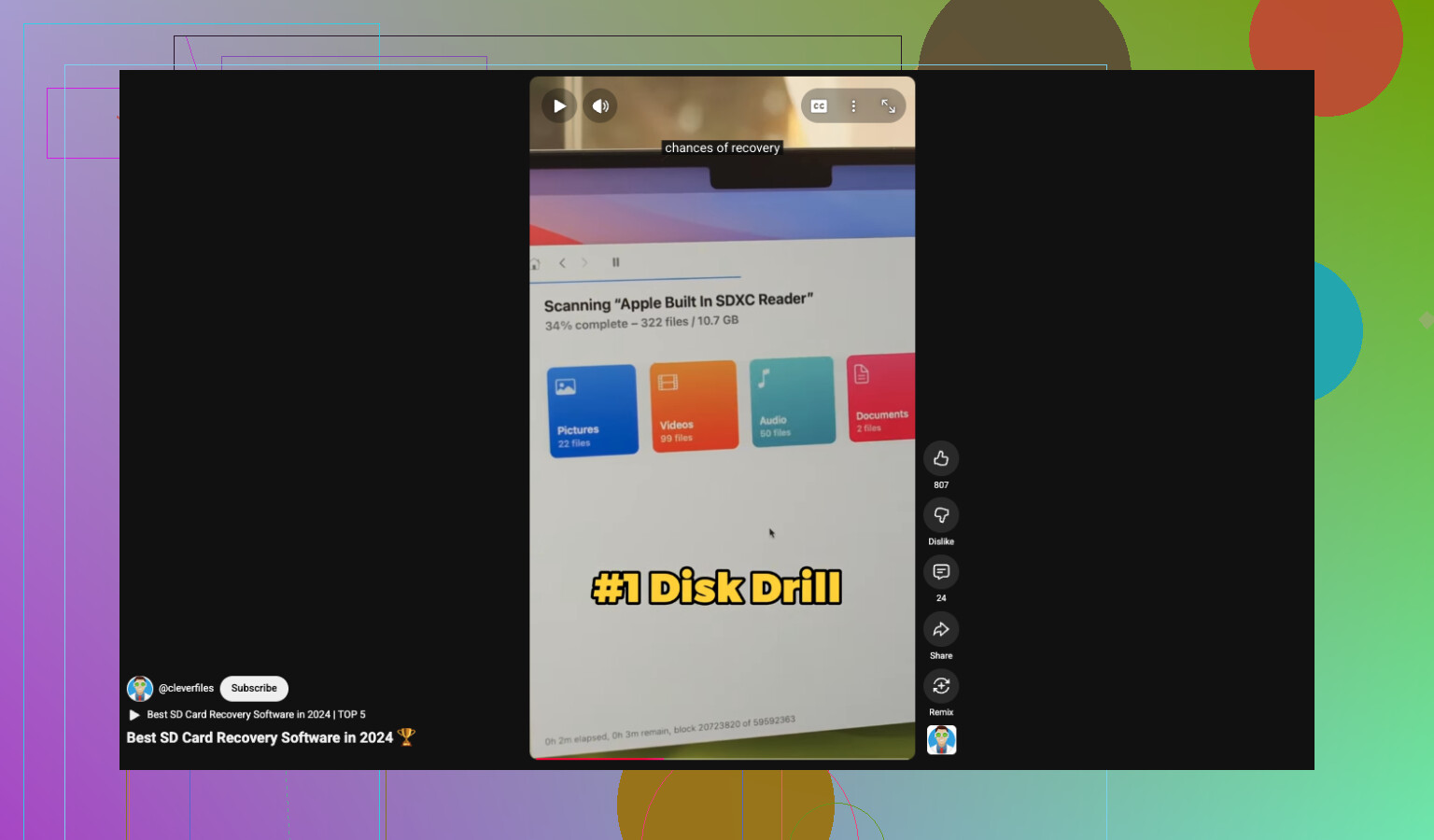
Also, if you want a quick overview of YouTube SD card recovery software recommendations, this short is a decent starting point:
best YouTube short on SD card video recovery tools
Short version. Yes, try recovery software before giving up. Do it now. Do not write anything else to the card. Save recovered files somewhere else. If Disk Drill finds clean previews, you’ve still got a shot.
Yep, it’s absolutley worth trying software before you give up, but I’m gonna disagree slightly with @mikeappsreviewer and @stellacadente on one point: people focus too much on the app first and not enough on figuring out what kind of delete happened.
If you only deleted clips in-camera, recovery odds are usually decent. If you did a full format and then kept filming, that’s where things get ugly fast. Not impossible, just uglier. Overwriting is the real killer, not the delete itself.
What I’d do before running anything:
- check whether the card shows the correct capacity
- see if the camera/card reader is acting weird
- note the exact video format the camera used, like MP4, MOV, AVCHD, MXF
- remember roughly how much new footage was shot after deletion
That last part matters a lot. A 64GB card with 500MB of new photos after the mistake is very diff from a 64GB card that got refilled halfway.
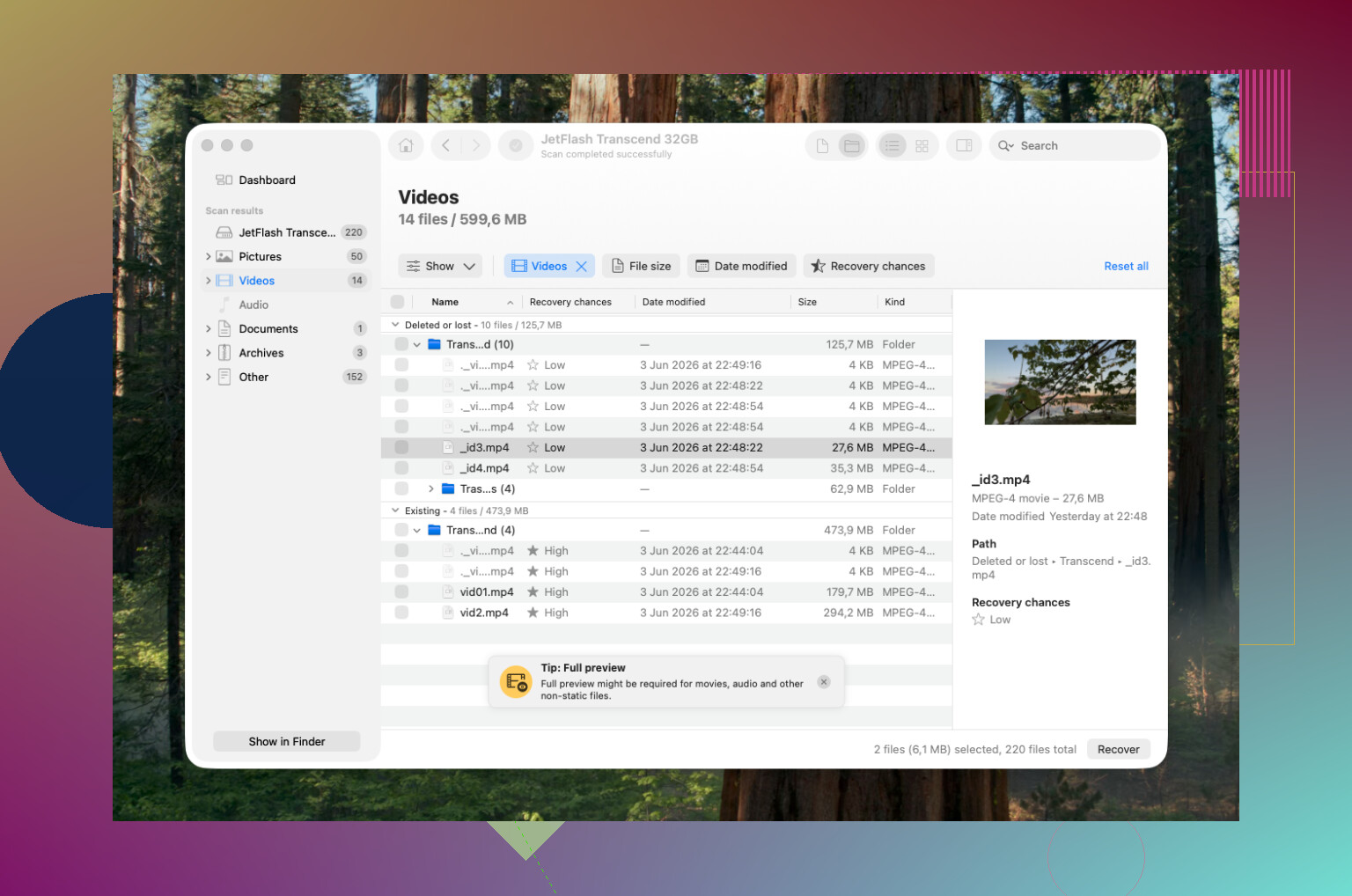
If the card mounts normally, then yeah, try Disk Drill. It’s one of the more sensible first options for SD card video recovery because it can at least show you whether anything usable is still there before you waste too much time. I would recover to your computer, then test the clips in VLC, not just the default player. Sometimes a file looks dead but it’s just missing proper indexing and VLC will still open parts of it.
One more thing people forget: some cameras create sidecar/database files that help organize clips. If those survived, recovery can be cleaner than you’d expect. So don’t delete anything else off the card trying to “tidy it up.” That just makes it worse lol.
If the card starts disconnecting, reads crazy slow, or asks to be repaired, stop messing with it. That’s when DIY recovery can turn one bad day into a worse one.
Also, if you want more real-world discussion on recovering camera footage after an SD card format, this thread is pretty on-point: how people recovered videos after accidentally formatting an SD card
Short version: yes, recovery software is worth trying. No, don’t keep using the card. And no, don’t assume “deleted” means “gone forever” just yet.
Worth trying? Yes. Giving up immediately is usually the only guaranteed way to lose the videos.
I mostly agree with @stellacadente, @caminantenocturno, and @mikeappsreviewer on the big point: stop using the card. But I’d push one extra angle that gets skipped a lot. Figure out whether this is a simple filesystem delete or a card health problem. If the SD card is suddenly slow, throws read errors, or vanishes mid-copy, recovery software is not the real issue anymore. That becomes a stability issue first.
My quick rule:
- Card mounts fine, capacity looks normal, no weird behavior = software is worth a shot
- Card is erratic, unreadable, or asks to be repaired = pause DIY stuff
Also, don’t obsess over whether the videos were “deleted” versus “formatted” in the abstract. What matters more is what happened after. A normal delete with no new recording is favorable. A format plus more filming is rougher. A lot of new footage after either one is where recovery chances collapse.
On Disk Drill specifically:
Pros
- good at finding deleted camera media
- preview helps you tell fast if the clips are actually recoverable
- interface is easier than a lot of old-school recovery tools
- can be a sensible first pass before trying more specialized options
Cons
- not magic if the video data was overwritten
- recovered files can still be incomplete or unplayable
- full recovery usually means paying
- less ideal if the card itself is physically failing
One small disagreement with the usual advice: preview is helpful, but not a perfect guarantee. I’ve seen clips preview partly and still export damaged near the end. So if Disk Drill finds your videos, that’s encouraging, not proof.
I’d also test any recovered file in more than one player. Sometimes the file is there but the index is messed up, so one app says “corrupt” while another plays it.
Short version: yes, SD card video recovery software is absolutely worth trying before giving up, and Disk Drill is a reasonable first tool. Just don’t treat software as a cure-all if the card itself is acting suspicious.