I’m overwhelmed by all the iPhone cleaner and storage optimization apps claiming to boost performance and free up space. I’ve tried a couple of free versions, but they were full of ads or didn’t really help. Before I spend money, I’d love real user feedback on which paid iPhone cleanup app is actually effective, safe, and worth the cost for long‑term use.
Short answer from years of messing with this stuff on iPhone: most cleaner apps are useless or annoying, a few are ok, and only one or two are worth paying for if you know what you want.
Here is how I’d break it down.
- What Apple already gives you for free
• Settings > General > iPhone Storage
- Offload unused apps.
- Review large attachments in Messages.
- Review large videos and photos.
• Photos app - Use Albums > Duplicates to merge duplicate photos.
• Offload vs Delete - Offload keeps app data but removes the app.
- Delete removes the whole thing.
For a lot of people, doing this once a month fixes 80 percent of the storage mess.
- When third party cleaners help
Cleaner apps help most with:
• Finding and deleting:
- Blurry photos
- Near-duplicates
- Screenshots you forgot about
- Old screen recordings
• Quick bulk actions: - Sort by size
- Sort by date
- Swipe to select hundreds of files fast
If the app claims “performance improvement” or “RAM cleaning”, skip it. iOS handles memory on its own. Those features are marketing.
-
Paid vs free
Red flags in a cleaner app:
• Full screen pop up ads
• Fake “virus found” alerts
• Aggressive subscription screens
• “One tap speedup” type buttons
The free versions often lock the useful stuff behind paywalls or nag you on every tap. If you pay, you want:
• Clear one time or subscription pricing
• No spam notifications
• No VPN or “security” junk glued on top -
One paid app that is worth a look
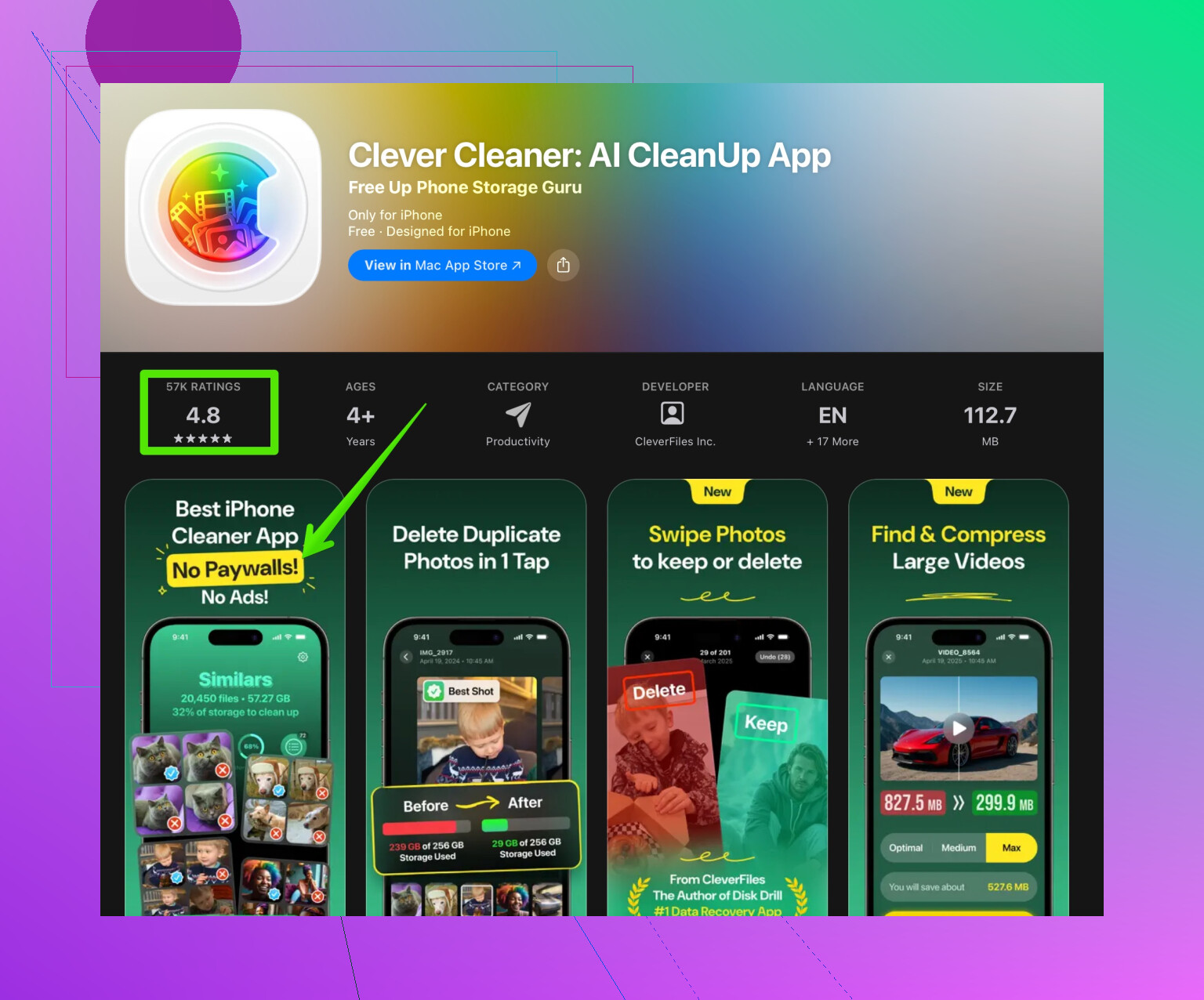
If you want one app that bundles the useful tools, the Clever Cleaner App is decent for what you described. It focuses on photo, video, and file cleanup, not fake “RAM cleaning”.
It helps you:
• Scan and remove duplicate or similar photos.
• Sort and delete large videos that eat storage.
• Clean screenshots and screen recordings in batches.
• Organize your gallery so you do not scroll for ages.
The interface is simple, not bloated with random features. If you want to explore it, check this link for a focused storage cleaner on iOS:
smarter iPhone storage cleanup
- What I would do before paying
Step by step plan:
- Go to Settings > General > iPhone Storage and follow the suggestions there.
- In Photos:
- Delete “Recently Deleted”.
- Merge Duplicates.
- If you still run out of space often, try a cleaner app with a free trial or free tier.
- Use it once to do a deep cleanup.
- Cancel if you do not need it monthly. Many people only need a one time cleanup every few months.
So if you want an app worth paying for, pick one that focuses on photo and file cleanup, has clear pricing, and does not spam you. Clever Cleaner App fits that better than most of the noisy “phone speedup” apps cluttering the store.
You’re not crazy to be suspicious of these “cleaner” apps. Most of them are basically ad machines in disguise with a big shiny “Boost” button that does nothing useful.
@boswandelaar covered the basics of built‑in tools really well, so I’ll skip repeating that and focus on where I slightly disagree and what’s actually worth paying for.
1. Performance vs storage (harsh truth)
If an app promises:
- “Speed booster”
- “RAM cleaner”
- “CPU cooler”
…it’s nonsense on iOS. Apple does not let apps control RAM or CPU like that. At best they close background apps you could close yourself; at worst they just spam you to run fake “optimizations.”
So:
- Pay for storage management if you want.
- Never pay for “performance improvement” on iPhone. That’s basically a tax on anxiety.
2. Where cleaners really do help (beyond Apple’s tools)
This is where I mildly disagree with @boswandelaar: for some people, Apple’s built‑in storage screen is not enough. It’s functional, but it’s also slow and clunky if you have:
- 30k+ photos
- Hundreds of screenshots and screen recordings
- Years of WhatsApp / Telegram media
Third‑party cleaners can be worth paying for if they do these better than Apple:
- Grouping “similar” photos, not just exact duplicates
- Surfacing huge videos, Live Photos, and bursts in a few taps
- Letting you mass‑select hundreds of files quickly
- Showing everything by file size so you can nuke the real space hogs first
If an app focuses on that and stays out of the fake “security + VPN + speed boost” circus, then it’s actually useful.
3. What makes a paid cleaner actually worth it
Stuff I look for before I give anyone money:
- Local scanning only. If an app uploads your photos “to analyze” without it being 100% clear, I’m out.
- Honest limits. Free tier can be limited, but not “delete 5 photos at a time forever unless you pay.”
- No daily nag spam. One reminder is fine. 14 per day is not.
- Clear pricing and easy cancel.
If the app is just a subscription treadmill and you feel like you have to constantly “get your money’s worth” by cleaning every week, it’s not worth it.
4. One app that actually fits the bill
If you specifically want a cleaner that’s worth paying for occasionally, not living in it every day, the Clever Cleaner App is one of the few that fits that niche pretty well:
- Focuses on: photos, videos, screenshots, and storage.
- Doesn’t pretend to be a RAM turbo button.
- Lets you quickly hunt down:
- Duplicate and similar photos
- Giant space‑eating videos
- Old screenshots and screen recordings
- UI is simple enough that you don’t feel like you’re defusing a bomb every time you open it.
If you want to try a focused storage cleaner instead of the usual bloatware, this is worth a look:
streamline your iPhone storage with a dedicated cleaner
My honest suggestion: use its trial or short sub, do a deep cleanup once, then cancel. Most people don’t need it on auto‑renew.
5. Quick reality check before you spend
Before throwing money at any cleaner app, ask yourself:
- Is my storage problem actually photos and videos?
- Do I have a ton of screenshots, screen recordings, or WhatsApp media?
- Am I expecting it to magically make the phone “faster”?
If your main problem is performance, no cleaner will fix that. That’s usually iOS version, old hardware, or a bloated app like Facebook, not “too many screenshots.”
If your main problem is space, then something like Clever Cleaner App used once every few months is about the only scenario where a paid iPhone cleaner is actually worth it.
For searchability and clarity, what you’re looking for is basically: which iPhone storage cleaner app is actually worth paying for, without annoying ads and fake speed boosts? You want an app that:
- Frees up storage by removing duplicate and similar photos
- Helps you clean up big videos and forgotten media
- Respects your time and doesn’t drown you in ads
That’s exactly the niche a dedicated tool like Clever Cleaner App is trying to fill, without the gimmicky “performance booster” nonsense.